2
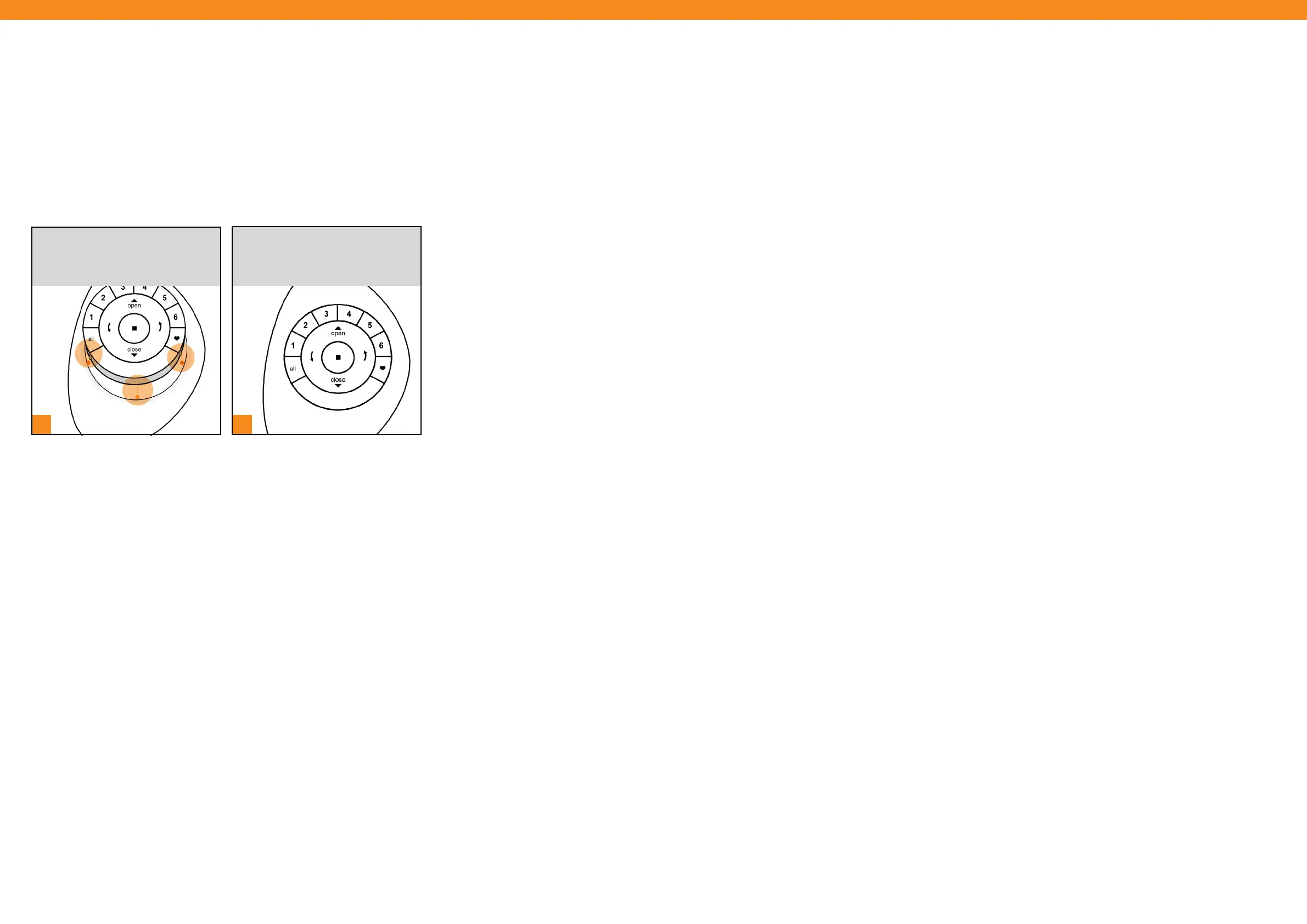
INSERT the PowerView® Remote
module by GENTLY PRESSING
DOWN on the Remote until it rests
securely and snuggly in the Pebble®.
1
[ 26 ] [ 27 ]
LINE UP the raised notches around
the edge of the PowerView® Remote
module with the indentations in the
Pebble®.
Inserting the Remote Module into the Pebble®


 To Next Page
 Loading...