15
Getting Started
3. Activate the Diagnostic Tool
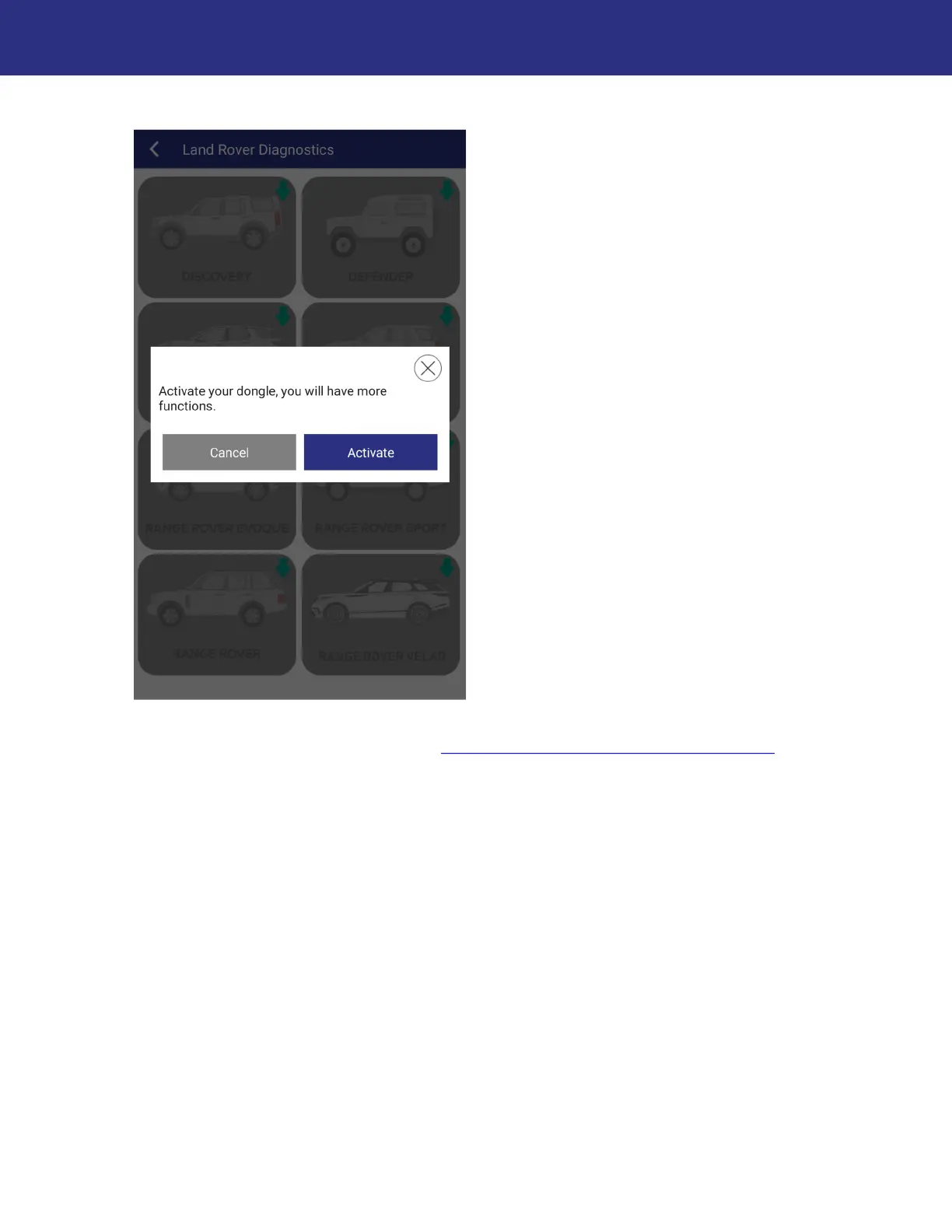
You will receive a prompt to activate the Diagnostic Tool. If you have not yet activated the
Diagnostic Tool, press Activate. See “
Activating the Diagnostic Tool”, page 22 for instructions.
If you wish to activate at a later time, press Cancel and continue to the next step.


 To Next Page