MA Lighting Technology GmbH
.
Dachdeckerstr. 16
.
D-97297 Waldbüttelbrunn
1818
1818
18
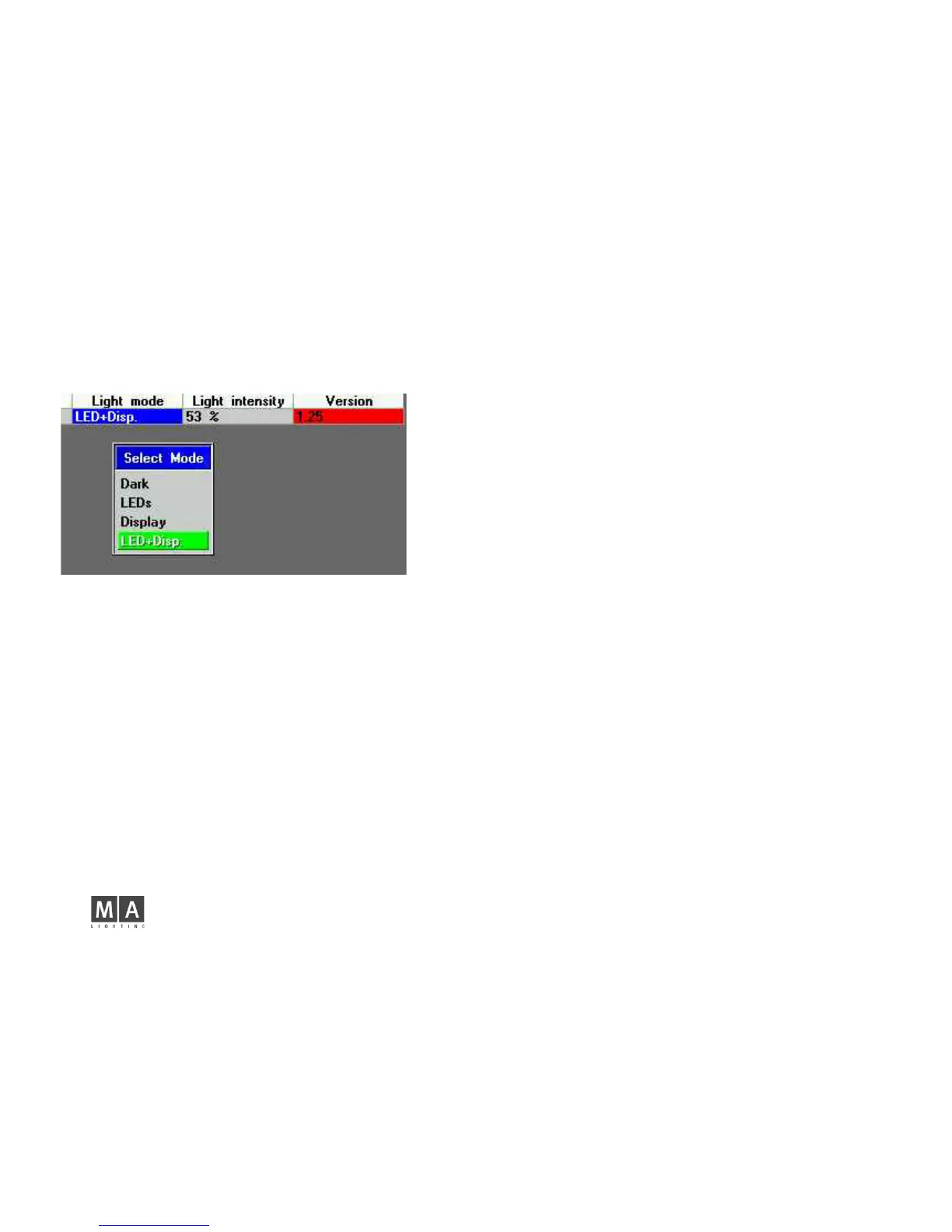
DARK Will switch off LEDs and display lights (independently from the Light I
ntensity setting).
LEDs LEDs are on during data transmissions, display lights remain off.
Display Display lights are on and you can set the brightness with the
Light intensity parameter. The LEDs remain off.
LEDs+Disp LEDs and display lights are switched on.
Light intensity:
Here, you can set the brightness of the Display.
Select the cell (using mouse, Encoder or touchscreen).
This will open the edit box.
Enter a value between 0 and 100% - or select FULL or OFF, and
Confirm with ENTER.
Version:
Shows the software version of the respective 2-Port Node. If the cell has a red
highlight, this version is not compatible to the software of the console or the onPC.
To adapt the software, press the UPDATE ALL NODES button. A trouble-free
operation will only be possible, after all devices involved in the session run the
same software version.



 To Next Page