Form # 46620 Issue 11/06
72
UNLOADING & ASSEMBLY
ATTACHING THE HAY CONDITIONER
(continued)
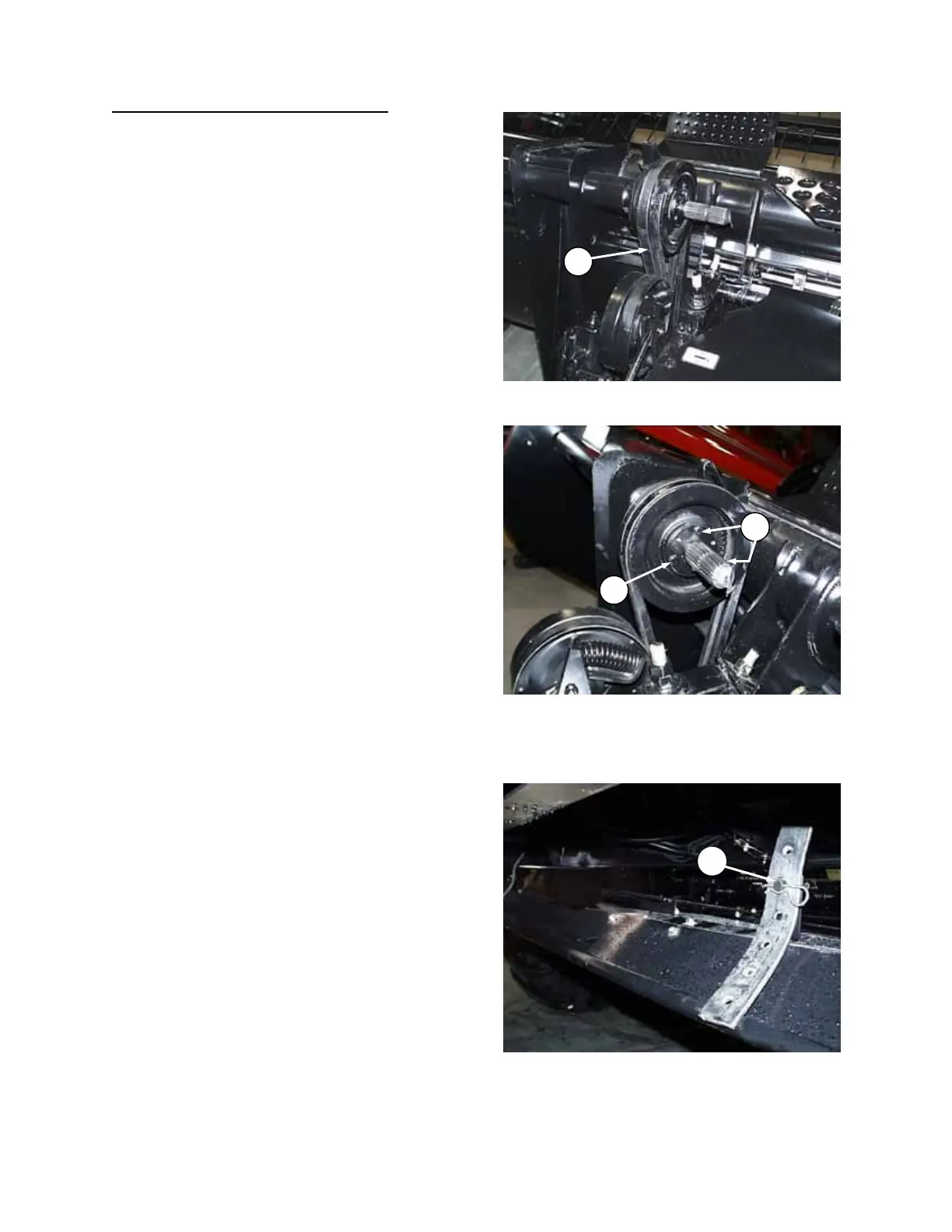
7. Install pulley (M) on header drive shaft at left
leg.
NOTE: For ease of installation, rotate shaft so
keyway is facing upwards.
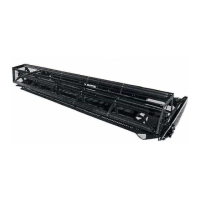
Do not tighten split bushing locking bolts (A).
8. Install belt over pulley (M) on header drive
shaft.
NOTE: Do not pry belt over pulley. Loosen or
remove spring-loaded idler to allow installation.
(If idler is removed, take note of hardware
positioning for re-assembly.)
9. Align pulley (M) with driven pulley on
conditioner roll drive, then tighten three bolts
(A) to secure the position.
10. Adjust belt tension. See "Hay Conditioner Drive
Belt" in Maintenance/Service section.
11. Assemble and attach conditioner forming
shields to conditioner or tractor frame. See
pages 73 and 74 for instruction.
12. Attach header to tractor. See Windrower
Tractor or Adapter Operator's manual.
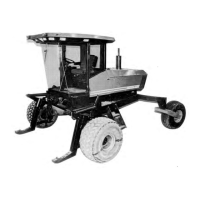
13. Attach forming shield rear support straps to
lower brackets at (N).
14. Adjust header float springs for additional
weight. See Windrower Tractor or Adapter
Operator's manual.
INSTALL PULLEY AND BELT
M
ATTA
H F
RMIN
HIELD REAR
PP
RT
N
A
A
ALIGN CONDITIONER DRIVE PULLEY
AND AD
T BELT TEN
I
N



 To Next Page