147867 26 Revision J
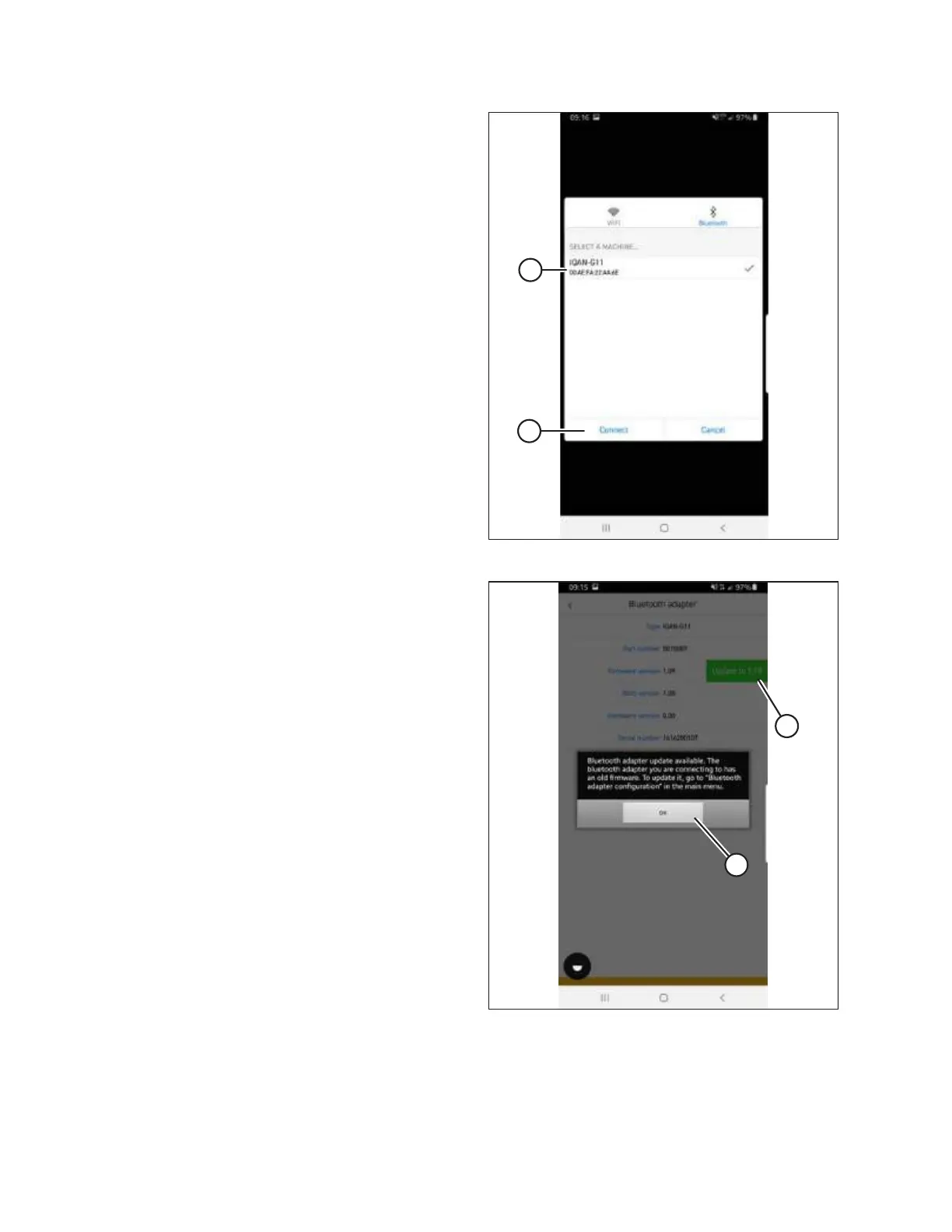
Figure 3.38: Selecting a Windrower to Update
4. Select module (A) and tap CONNECT (B).
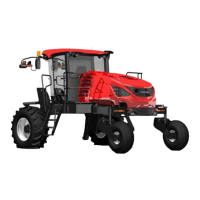
Figure 3.39: Firmware Update
5. Once connected, a message will pop up and a green box (A)
if a firmware update is available. Tap OK (B), then tap green
box (A).
NOTE:
If there is no green box, the firmware is up to date.
INSTALLATION INSTRUCTIONS


 To Next Page