20
Chapter 4 Front panel and remote controller operation
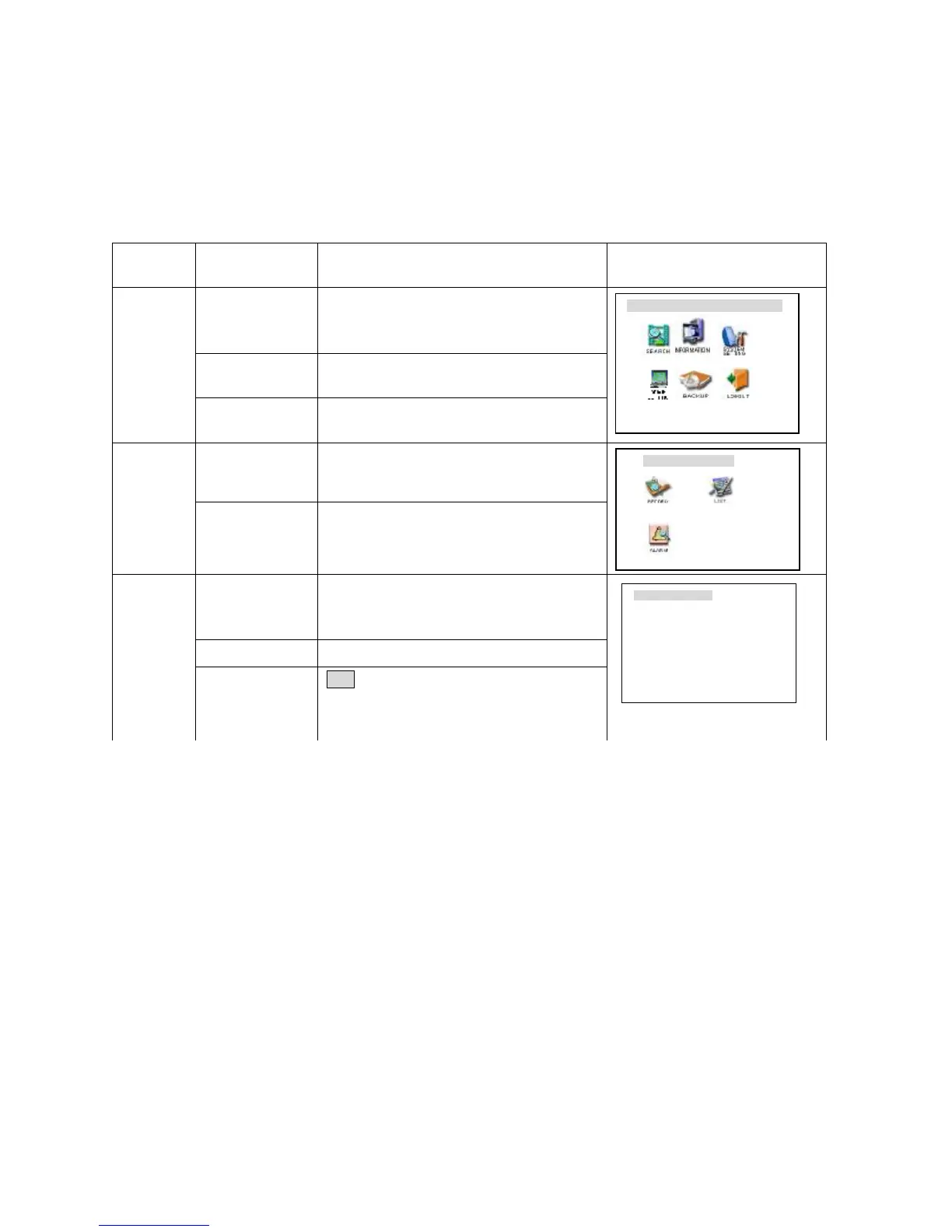
1. Operation menu introduction *Flashing item is the current selectable one*
1.1 Menu items’ shifting and setting
Operation
step
Button-pressing
order
Instruction Screen display
1 Confirm Enter During real-time monitor, press to open the
password prompt, type in the correct password,
then the menu will auto open.
2 Direction arrows
pqut
Use arrows to select Icon Choice.
Enter main
menu and
level 1
submenu
3 Confirm Enter Press Enter to select choice
4 Direction
pqut
Use arrows again to select #2 submenu choice
Enter level
2 submenu
5 Confirm Enter Press Enter to select level 2 submenu
1 Use Direction
Arrow u
Select the option to be revised, flashing item is
the selection.
2 Direction pq Use Up/Dn arrows to revise the settings.
Set menu
contents
3 Press Enter Save is flashing, choose to confirm whether you
want to keep the revised setting and press Enter
again.
CONTROL SETTING
CH 1
PROTOCOL•DH-CC440
bAUDRATE 9600
ADDR 000
SAVE ••CANCEL



 To Next Page