28
2.5 Control of Pan-tilt and Lens *The current image must be shifted to the input image of the
controlling camera*
Button-pressing order Instruction
Press Fn to display
1、
Refer to menu operation at
2.6.4
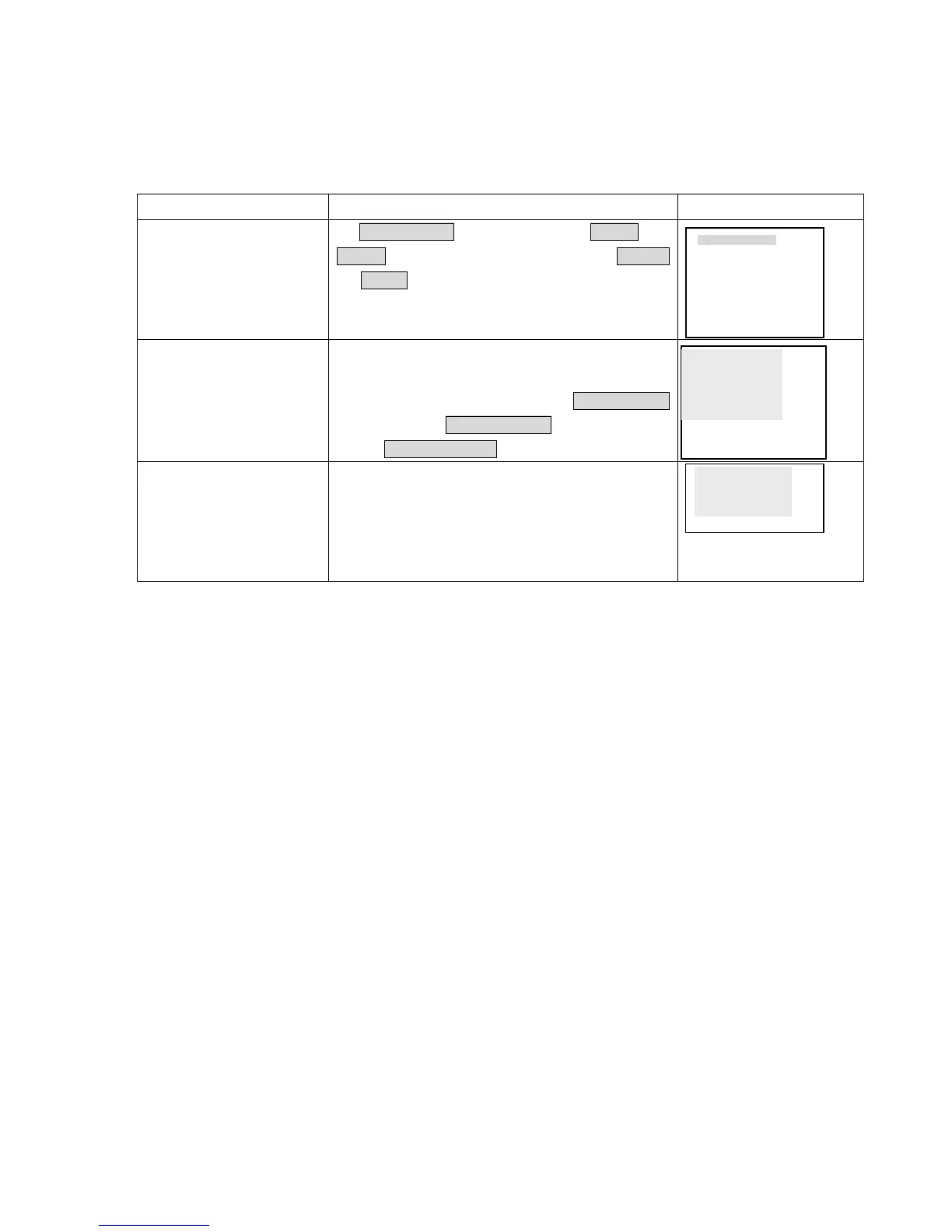
In Control setting , select the related Channel and
Protocol, see the right picture. Set the conformed Baudrate
and Address with the decoder. Press Enter to save.
2、 Assistant function Fn1
Under the state of single window monitor, press to enter
the screen display.
Press continuously to shift among PT CONTROL
( DIRECTION)、 LENS CONTROL( ZOOM、 FOCUS、
IRIS)、 LIGHT CONTROL(OFF ON).
3、 Direction pqt u
Control the related pan-tilt, lens and light.
2.6 Menu operation
*Please refer to“ Menu option schedule” ; button operation refers to the above form.*
CONTROL SETTING
CH 1
PROTOCOL DH-CC440
BAUDRATE 9600
ADDR 000
SAVE••CANCEL
p
tDIRECTIONu
q
PT CONTROL
t OFF ONu
LIGHT CONTROL



 To Next Page