27
2、 Play/Pause
Press twice to begin the playback(on the screen shows
channel, date, time). If it shows no record found, the
operation will not take effect. After the completion of the
playback, it shows “The End”.
Record information display during playback, press Fn to display or hide the playback state bar.
2.3 Playback fast play
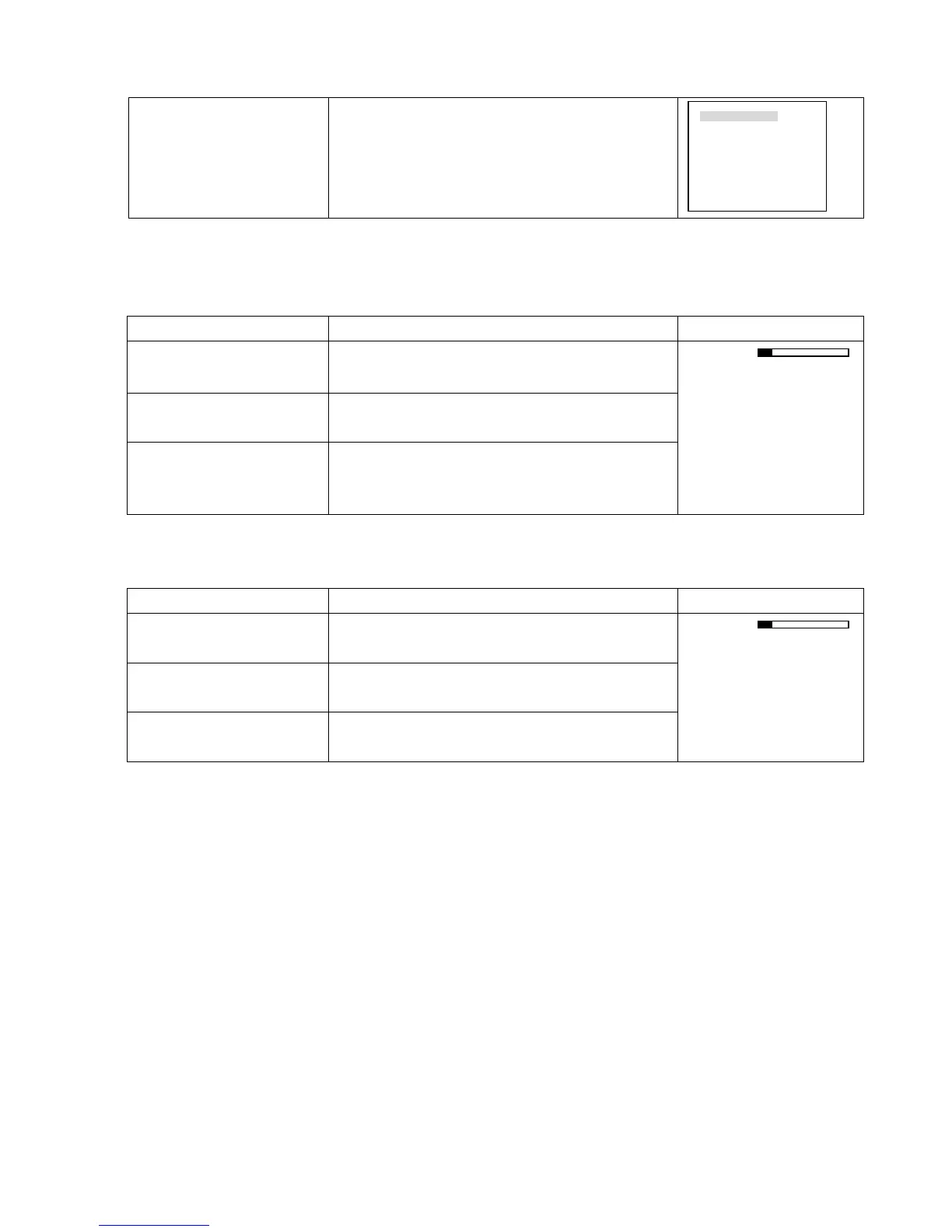
Button-pressing order Instruction Display
1、 Fast play 8
During playback press this key to shift between 2 times
speed, 4 times speed, 8 times speed.
2、 Play/Pause
During fast play press this key to shift between play and
pause.
3、 Play next section, play last
section
During playback state it takes effect. Press9 :to view the
next or last record of the same channel.
CH1 PLAY X2
2.4 Playback slow play
Button-pressing order Instruction Display
1、 Slow play ► During playback press to shift among 25f/s、 15f/s、 1f/s
speed.
2、 Play/Pause
During slow play of the playback record press to shift
between play and pause.
3、 Play next section, play last
section
During playback state it takes effect. Press9 :to view the
next or last record of the same channel.
CH1 PLAY 15F/S
² 1f/s speed slow play is playing frame by frame.
RECORD SEARCH
CH 1
DATE 03-03-2003
TIME 09: 10
PLAY NO RECORD



 To Next Page