6
Chapter 2 Installation
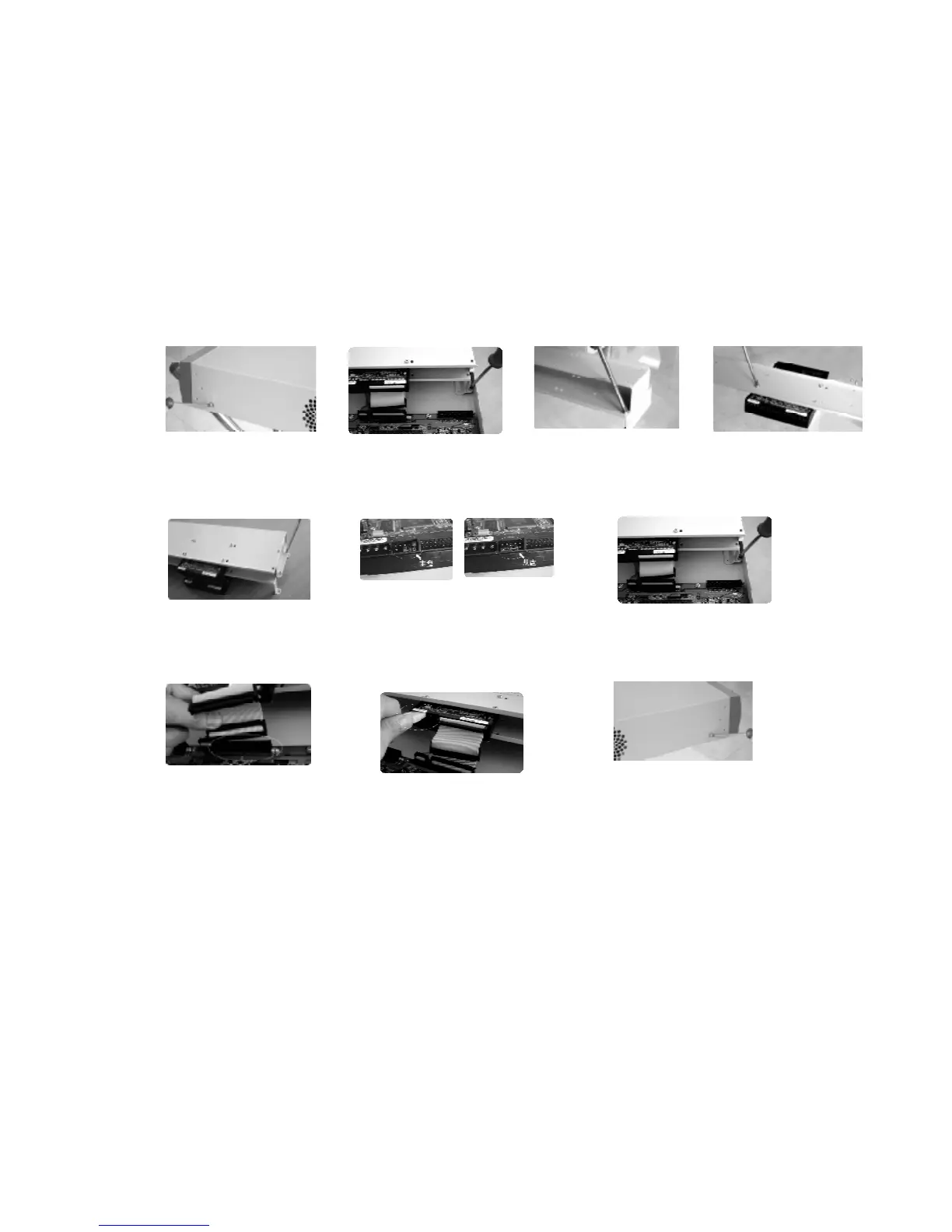
1.Hard disk installation
Because there is no built-in hard disc in the machine, check the hard disc equipment for the first installation. Max extension of
eight 10G-infinite capacity hard discs inside the machine. User can decide the number of hard disks according to required image
quality, recording time and HD capacity.
Note: when CD-RW or removable HDD is installed inside the case, there are 5 pieces of large capacity HDDs able to be installed
inside.
Installation steps
Separate the up
part of the bracket
①
Dismantle the top cover, open the
cabinet
bracket
Combine the
of the bracket
Set the master-
(refer to the clue on the back of the HD)
Fix the HD bracket
Plug in HD power line
to IDE port
Close the cover and fix it



 To Next Page