26
2. Menu Operation
2.1 Recording Operation
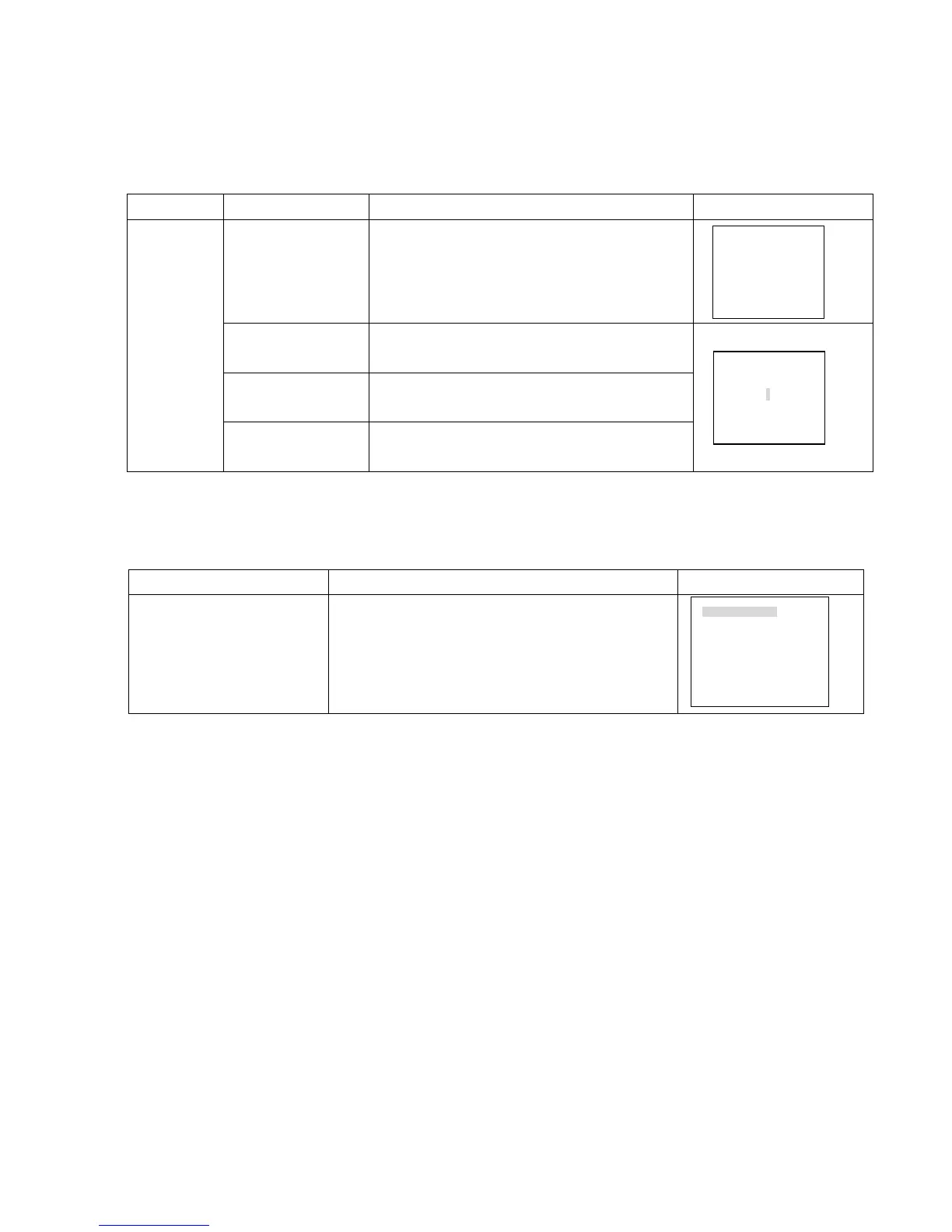
Model Button-pressing order Instruction Diplay
1、 Record REC
Press to enter screen display
2、 Direction pq or the
related number key
Press to shift the recording state on/off. The shadowed
means On.
3、 Direction t u
Press to shift recording channels. The shadowed
means On.
DVR0804RW
4、 Record REC
OR Enter
Press to save the setting.
2.2 Playback operation
Button-pressing order Instruction Display
1、 Play/Pause
Press the button to enter screen display.(if the current state
is logout, please enter password)
RECORD SEARCH
CH 1
DATE 03-03-2003
TIME 09: 10 AM
PLAY START
RECORD:
5 6 7 8
RECORD: 1 2 3 4
5 6 7 8



 To Next Page