38
In this interface there are monitor video window, login、 logout、 Video、 search、 search、 config (system setting)、
Assistant(assistant setting) and so on.
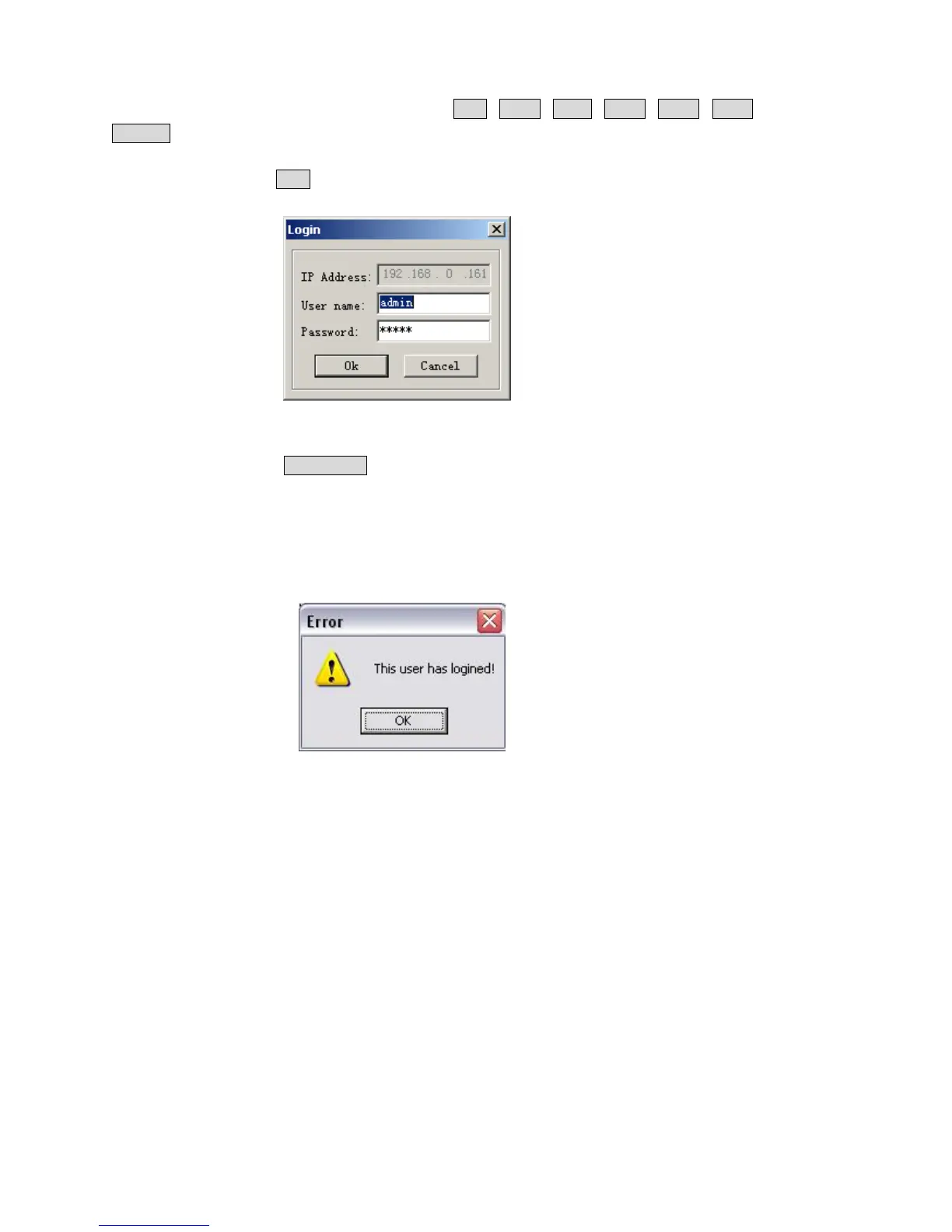
Login: Please click login, and the following dialogue box will pop up.
5-2
Input username and password. There are three types of users: Administrator, User, and Guest. For the detailed
introduction please refer to User manage in Assistant setting. The default username is admin, password is admin. Please
change the administrator password on time.
If after the input of the username and password, the following box pops up(5-3). The system is warning that some
other user has used this name and logged in. Please use other name to log in.
5-3



 To Next Page