42
5-9
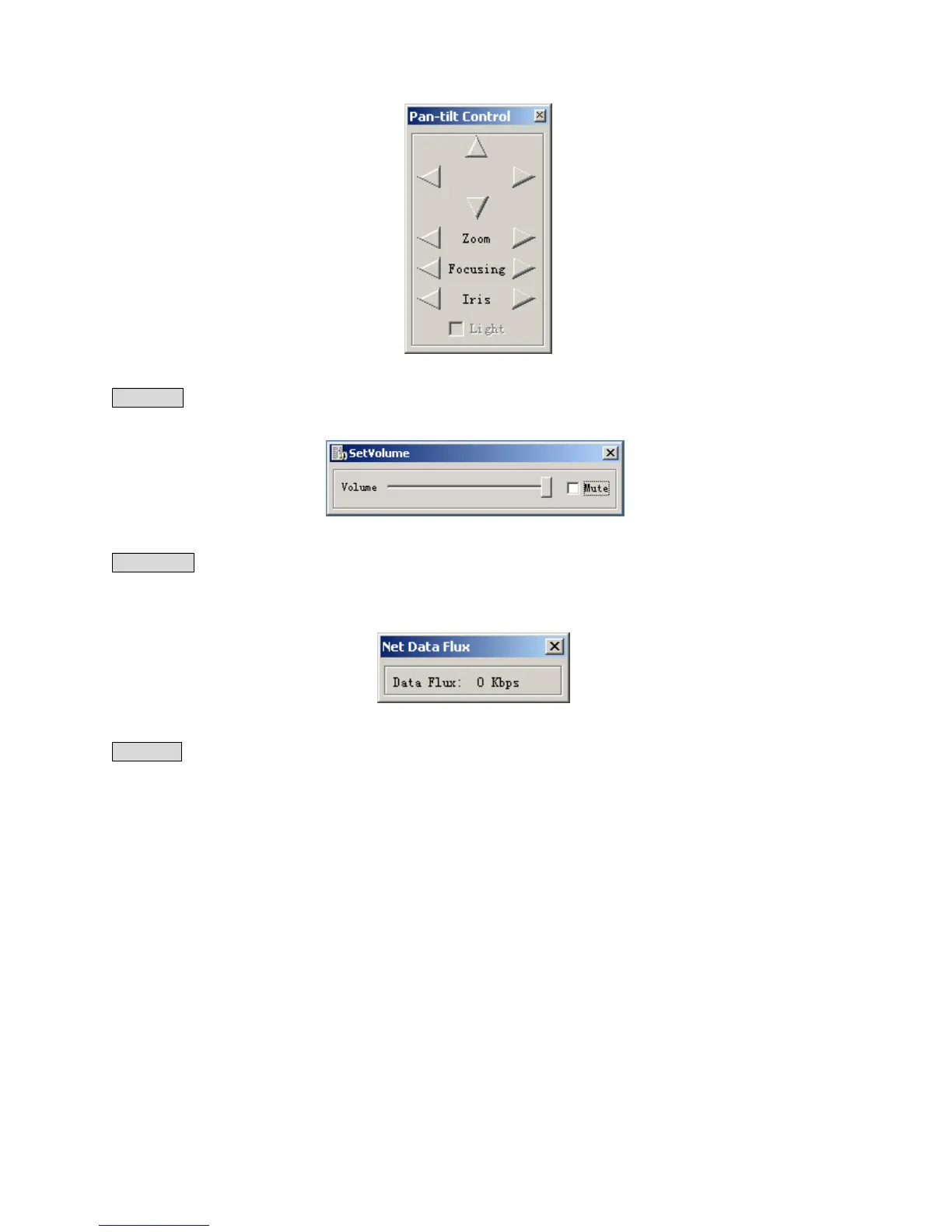
Set volume: It is for user to control the audio’s volume. User can drag the bar to adjust or tick Mute to cancel the sound.
5-10
Net data flux: Display the statistics of the network transmission data flux. When no network data transmission the
statistics shows zero(5-11).
5-11
Full screen: there are two way to realize full screen monitor: one is to double click the window directly; the other is to
select Full screen among the right key menu. During multi-window state, choose one of the windows and make it full
screen in the same ways.



 To Next Page