46
5. Config(System setting)
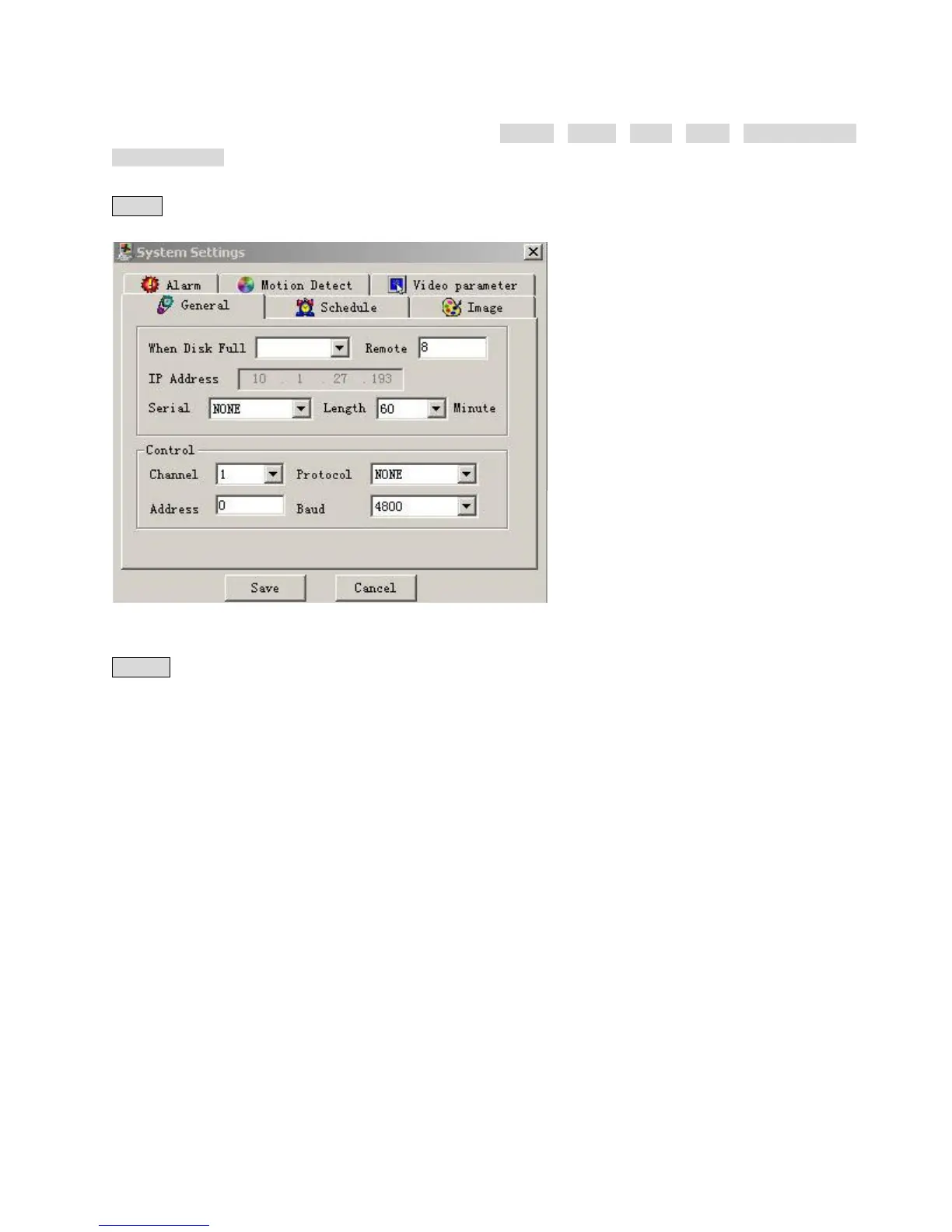
Click Config button, and pop up the dialogue box. There are General、 Timing、 Image、 Alarm、 Motion detection、
Video parameter six setting menus.
Note: The gray part of the menus you have to set on the local DVR.
General: Include the recording length setting. In Control Column select the channel number and its PTZ decoder’s
protocol, as well as the related address for the control of the PTZ Camera.
5-18
Schedule:( 5-19) Able to select the different channel and date to perform the recording at the different period of time.
There are two time periods for setting. The set time in Time 1 and Time 2 is independent with the set time in Motion
detection. There is no week setting for Motion detection.
Timing of motion detection: User can set two time periods of the motion detection time and the state of the motion
detection so as to activate the recording during the time period. Only when Motion detection is On, the set time period is
taking effect. If the state of the two time period is both Off, the system view it as 24 hours motion detection Off.



 To Next Page