50
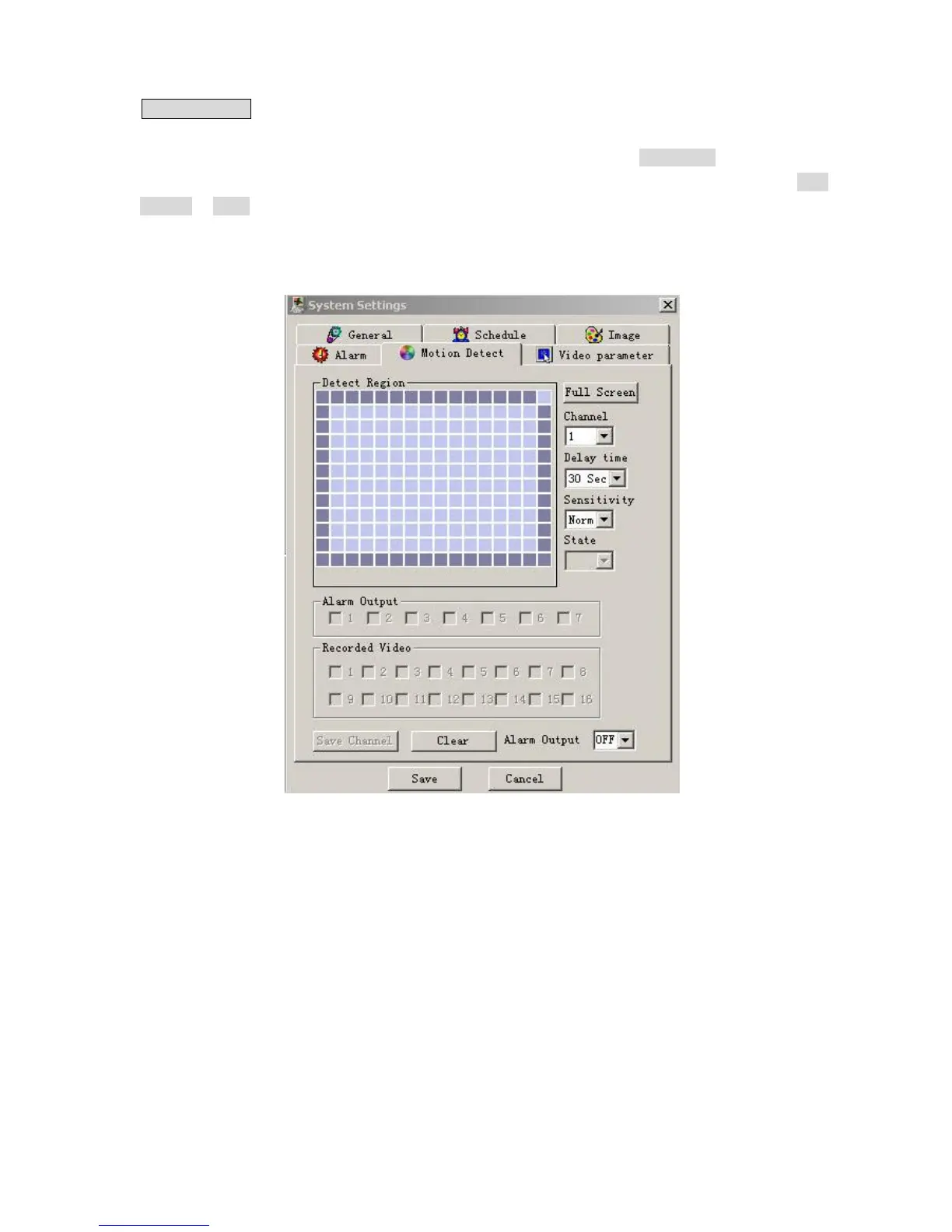
Motion detection When the user sets the time period for Motion Detection, the motion detection will take
effect. The blue area is the selectable motion detection area. The User can move the dialogue box to choose
the correct area and can also set the sensitivity of the area due to the need. Click Full screen or press right key
on the area to display the motion detection area in full screen mode. After setting the area the user can Save
channel or Clear the area. The Alarm output field allows you to activate an output relay. The default port is 2.
If you want to set this channel fully as motion detection recording, you have to turn off the timing recording
of this channel.
5-23



 To Next Page