52
6. Assistant
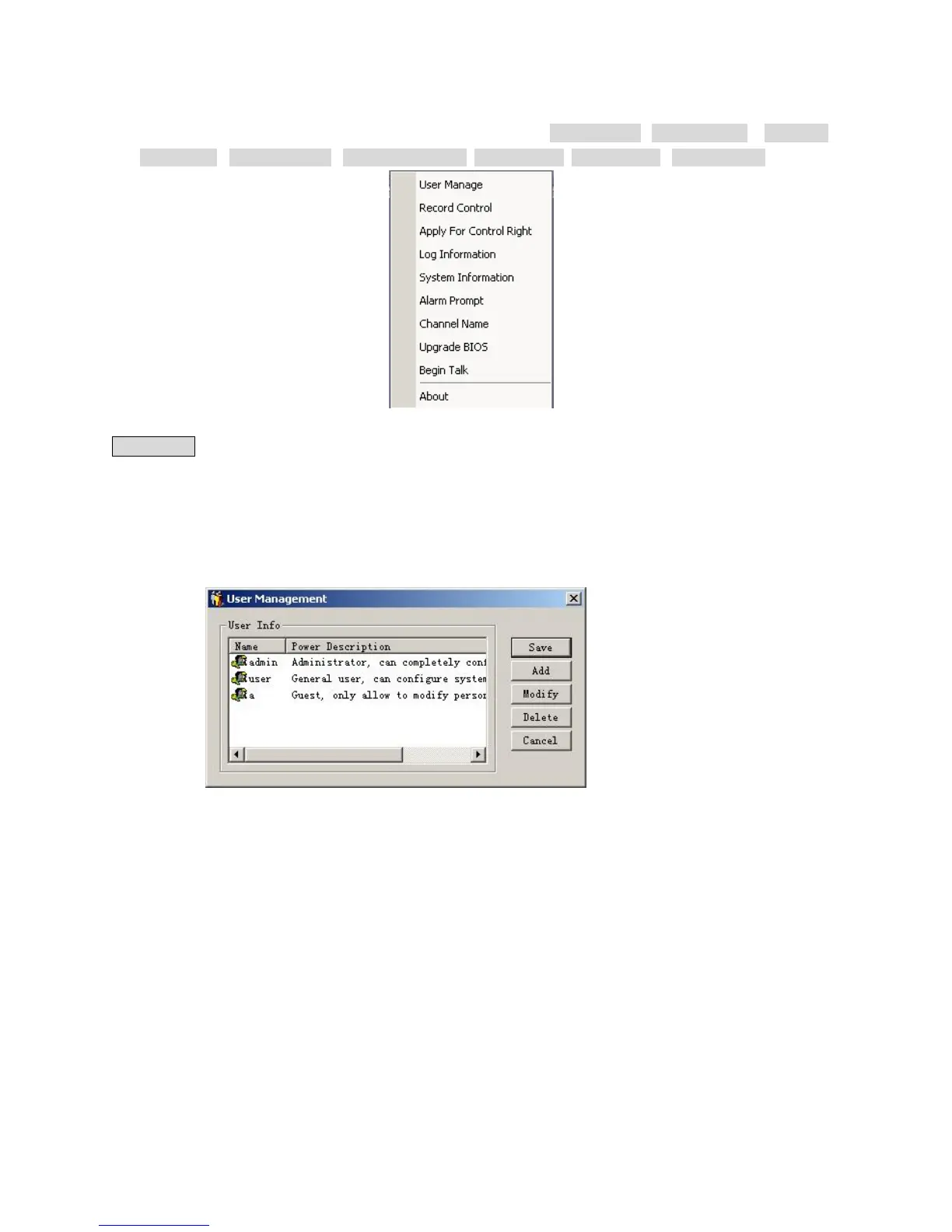
Assistant Click on Assistant setting, as following, there are User manage , Record control , Apply for
control right , Log information , System information, Alarm Prompt, Channel name , Upgrade BIOS, etc.
5-25
User manage: displays the user (Log-In) information of the DVR. The buttons to the right can let an administrator
user save, add, modify, delete and cancel the information.
Three levels of user types: Administrator――fully set the system, modify & Use the system; User――can
not set system parameters or modify other users’ information. This User can select and Operate existing
programming; Guest――can not set system parameter and records search, can only modify personal
information.
5-26



 To Next Page