57
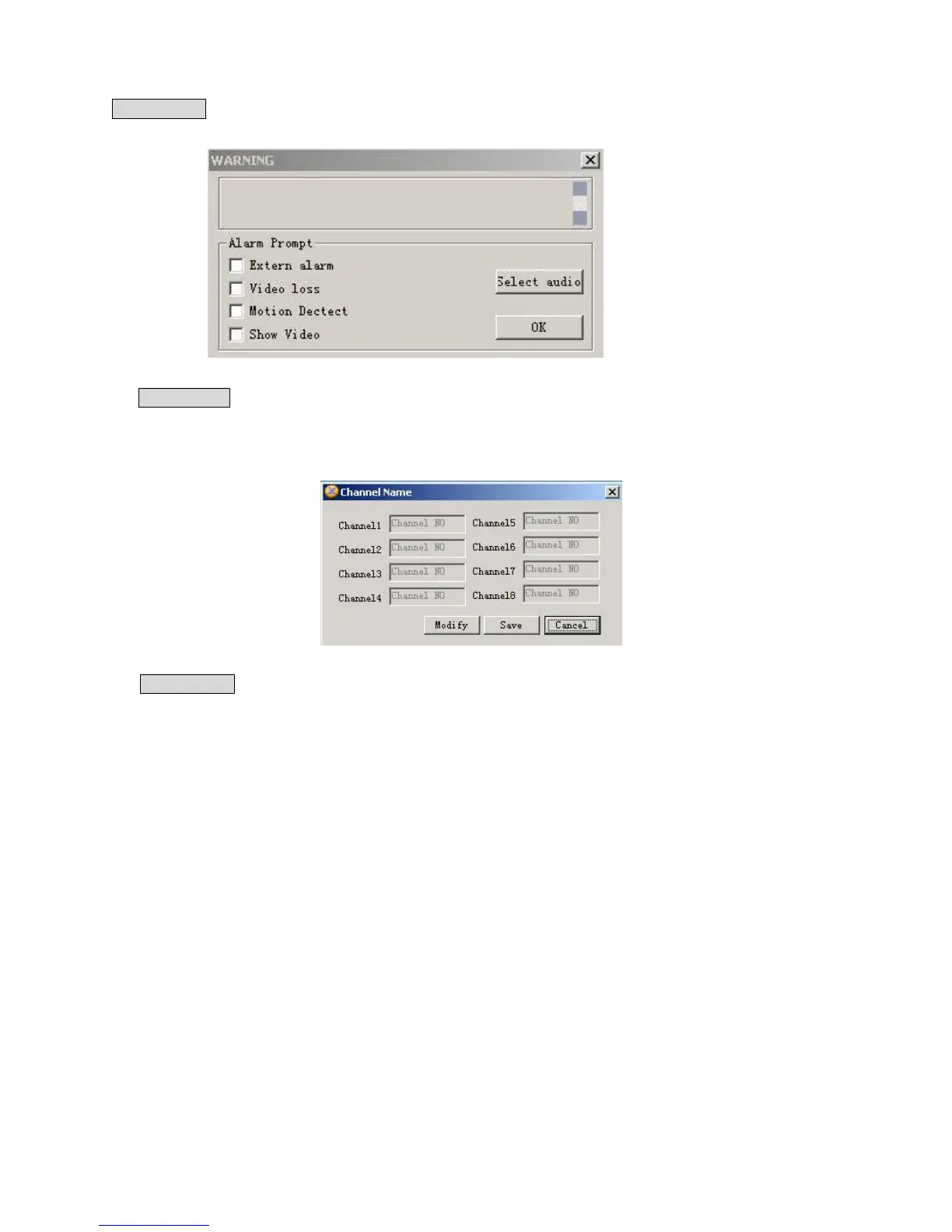
Alarm prompt: Different sound warning for the certain Alarm input can be chosen according the user’ s
needs(5-34).
5-34
Channel name: Cameras can be named for each channel. No more than 12 Characters. The revised channel
names will be displayed on the screen. The default setting of the channel name is Channel No.1 thru Channel
No.8.
5-35
Upgrade BIOS: Administrator can upgrade the BIOS program remotely. A Browse window will pop up for
File Information. Open the related BIOS or Web file( example: DVR0800.BIN or Multi-webfile.bin, and click
on Send. After the upgrading, system will automatically reboot to take on the new system software.



 To Next Page