60
Enter username and press Enter. System hint to enter password as following:
_ Password: dahua
System gets into the DEBUG> state, and input BIOS and press Enter.
Click Communication in the menu——Send file, and open upgrading program file(DVR0804_PAL.BIN— 8 Channel DVR BIOS
program, please complete this operation within 20 seconds, otherwise overtime). System begins to upgrade automatically and after
the upgrading system will restart automatically.
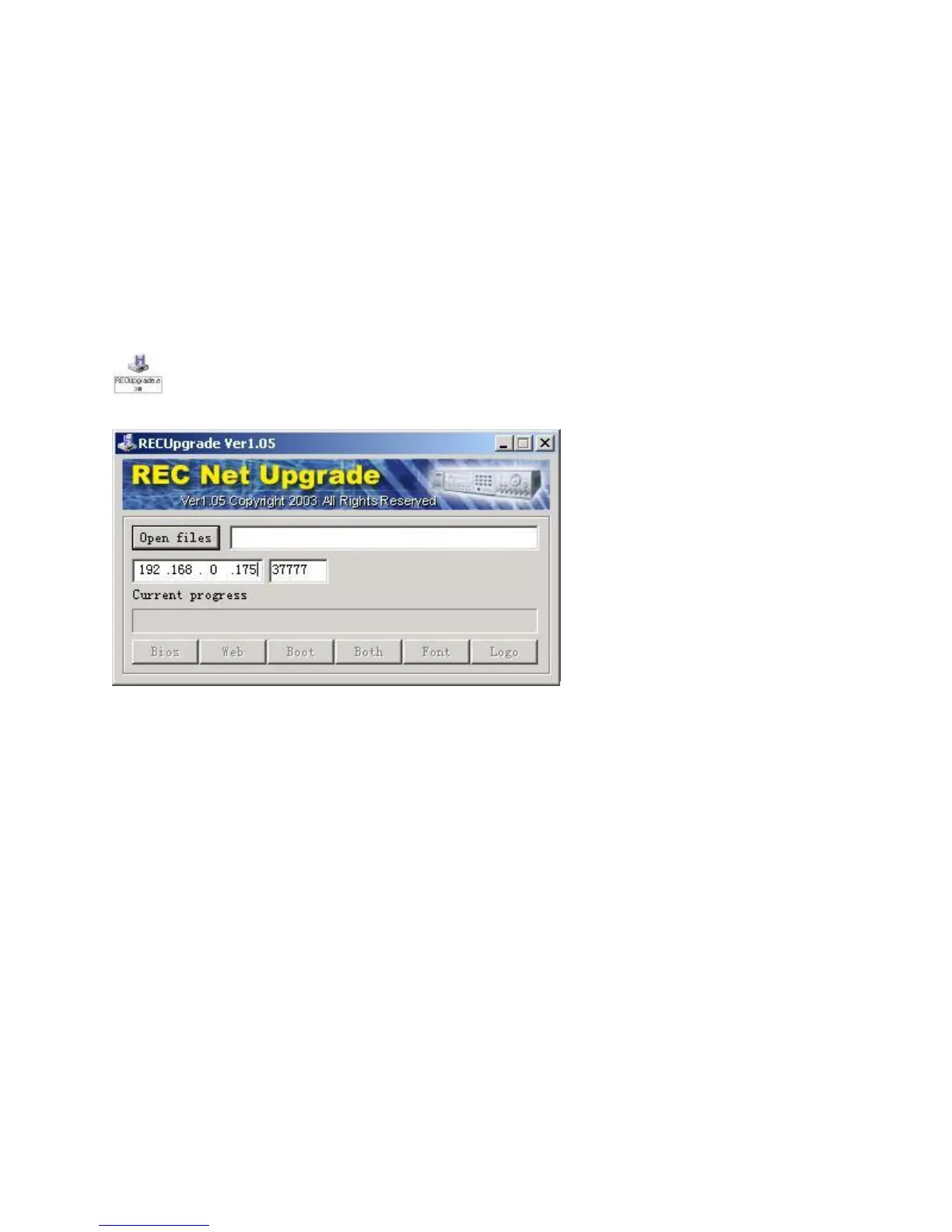
3. RECUPgrade tool to upgrade software
RECUpgrade.exe
First set the IP address of the DVR and port of the protocol.
Use Upgrade tool RECUGRADE to upgrade BIOS,WEB,BOOT . First set the IP address and port of the protocol.
Then click “START>RUN” in the WINDOWS , input ping in the dialogue box: ping <DVR IP> -t. If it gets through , then
open upgrade software tool RecUpgrate.exe , input the IP address of the DVR, then open boot file *_boot(*).bin to be upgraded,
click “send boot” . After that , the machine will restart.. Please keep this in mind that no operation is allowed during this process until



 To Next Page