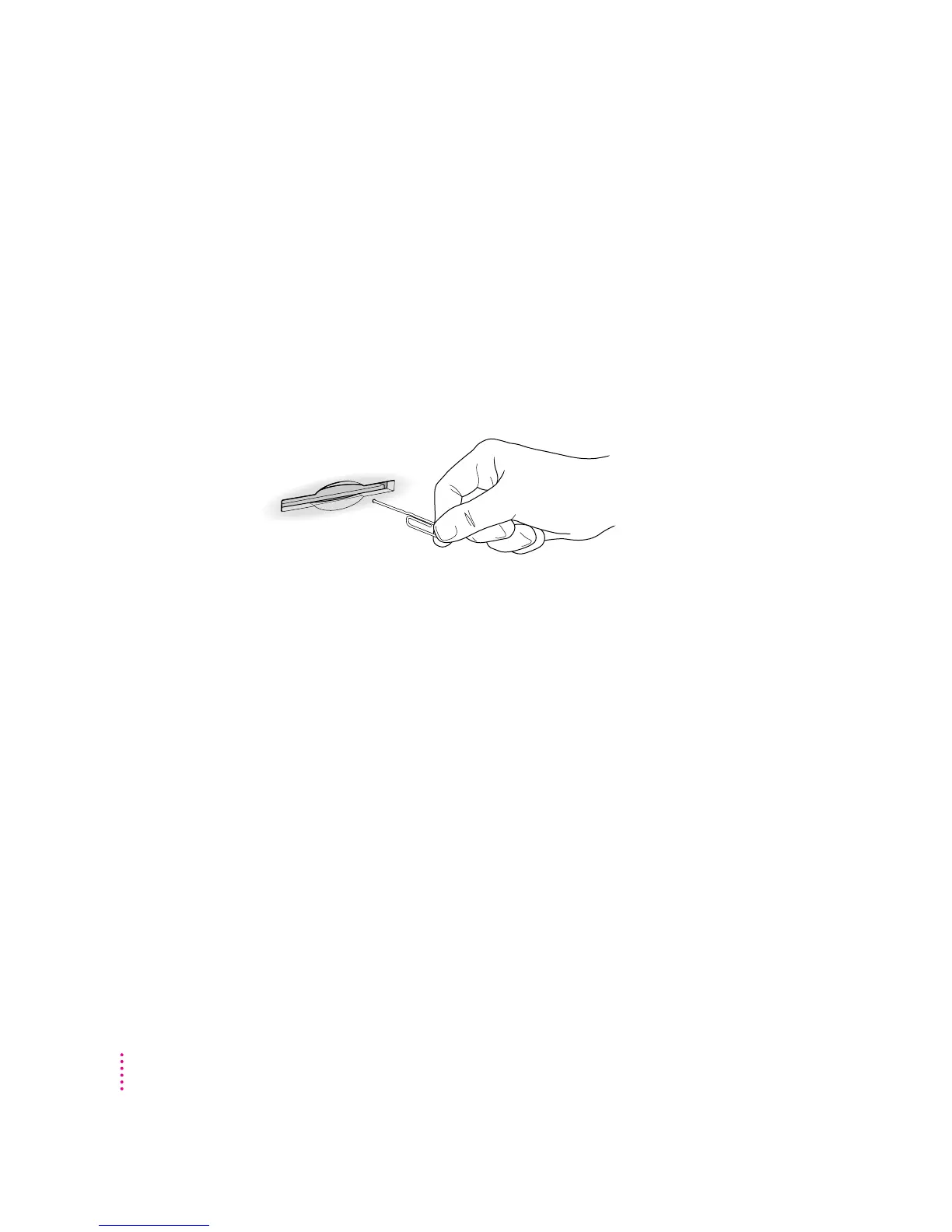
If you can’t eject a floppy disk
If you can’t eject a floppy disk in the usual way, try the following in order:
m Hold down the x and Shift keys and press the number 1 key on your
keyboard to eject a disk in the internal disk drive.
m Turn off the computer. If the disk isn’t ejected, then hold down the button
on your mouse or other pointing device while you turn the computer on
again.
m Locate the small hole near the disk drive’s opening, and carefully insert the
end of a large straightened paper clip into it. Push gently until the disk is
ejected. Do not use excessive force.
If nothing works, take the computer or disk drive to your Apple-authorized
service provider to have the disk removed.
Power supply
The power supply in your computer is a high-voltage component and should
not be opened for any reason, even when the computer is off. If the power
supply needs service, contact your Apple-authorized dealer or service
provider.
130
Appendix A



 To Next Page