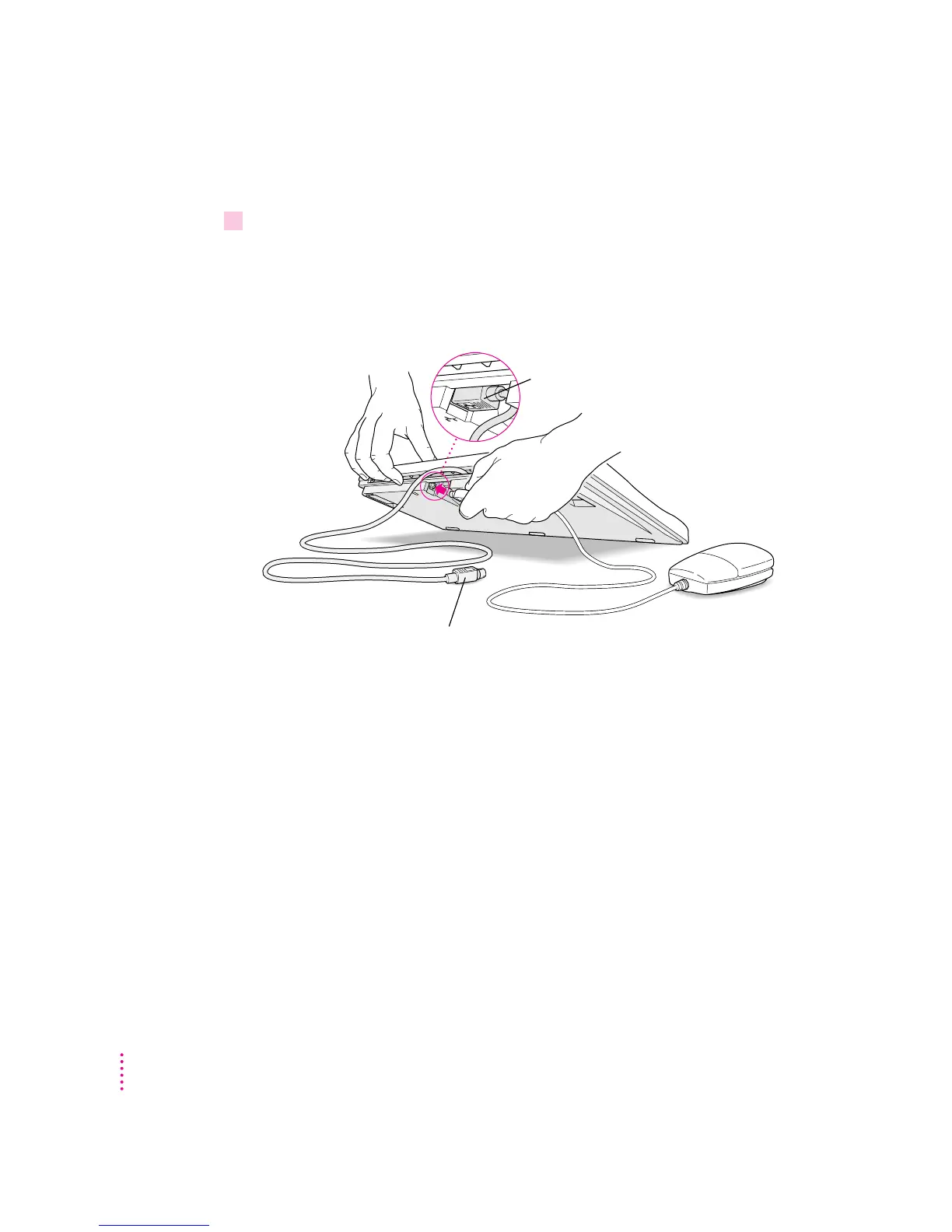
Connecting the mouse and keyboard
1Plug the mouse cable into the recessed port on the back of the keyboard.
The plug and the port are marked with the ◊ icon (symbol). The positions of
the port and icon on your keyboard may be different from those pictured.
By the way: A port marked with the ◊ icon is called an Apple Desktop Bus
(ADB) port.
This cable plugs into the Apple Desktop Bus (ADB) port,
marked with the
◊
icon, on the back of the computer.
Plug the mouse into the recessed port on
the keyboard. The flat part of the plug should
be pointing down, as shown here.
6
Chapter 1



 To Next Page