Switching between the Macintosh and PC environments
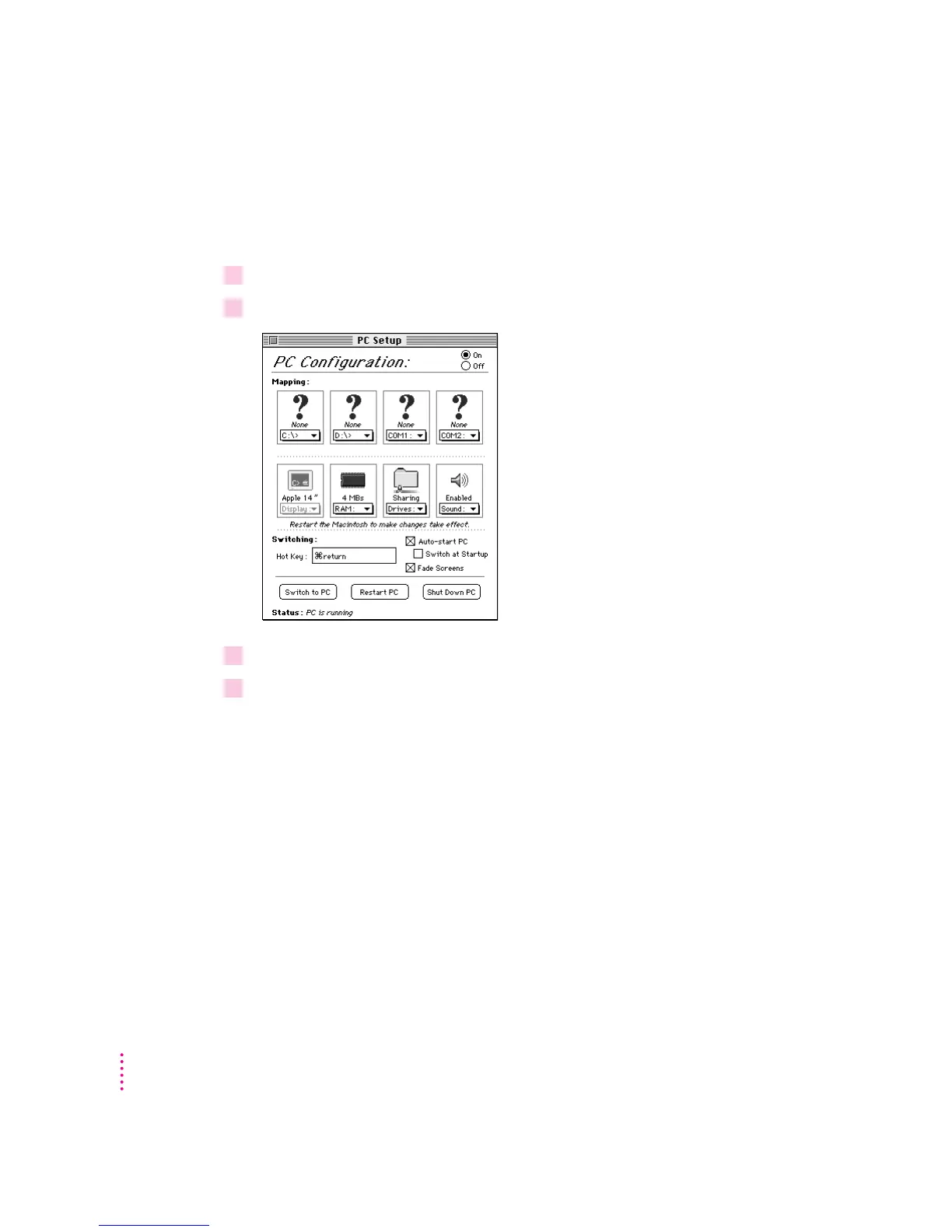
You switch between the Mac OS and the PC environment using the PC Setup
control panel. Follow these steps:
1In the Macintosh environment, choose Control Panels from the Apple (
K
) menu.
2Double-click the PC Setup icon to open the control panel.
3Click Switch to PC to switch to the PC environment.
4 To switch back to the Mac OS, press
x
-Return.
42
Chapter 5



 To Next Page