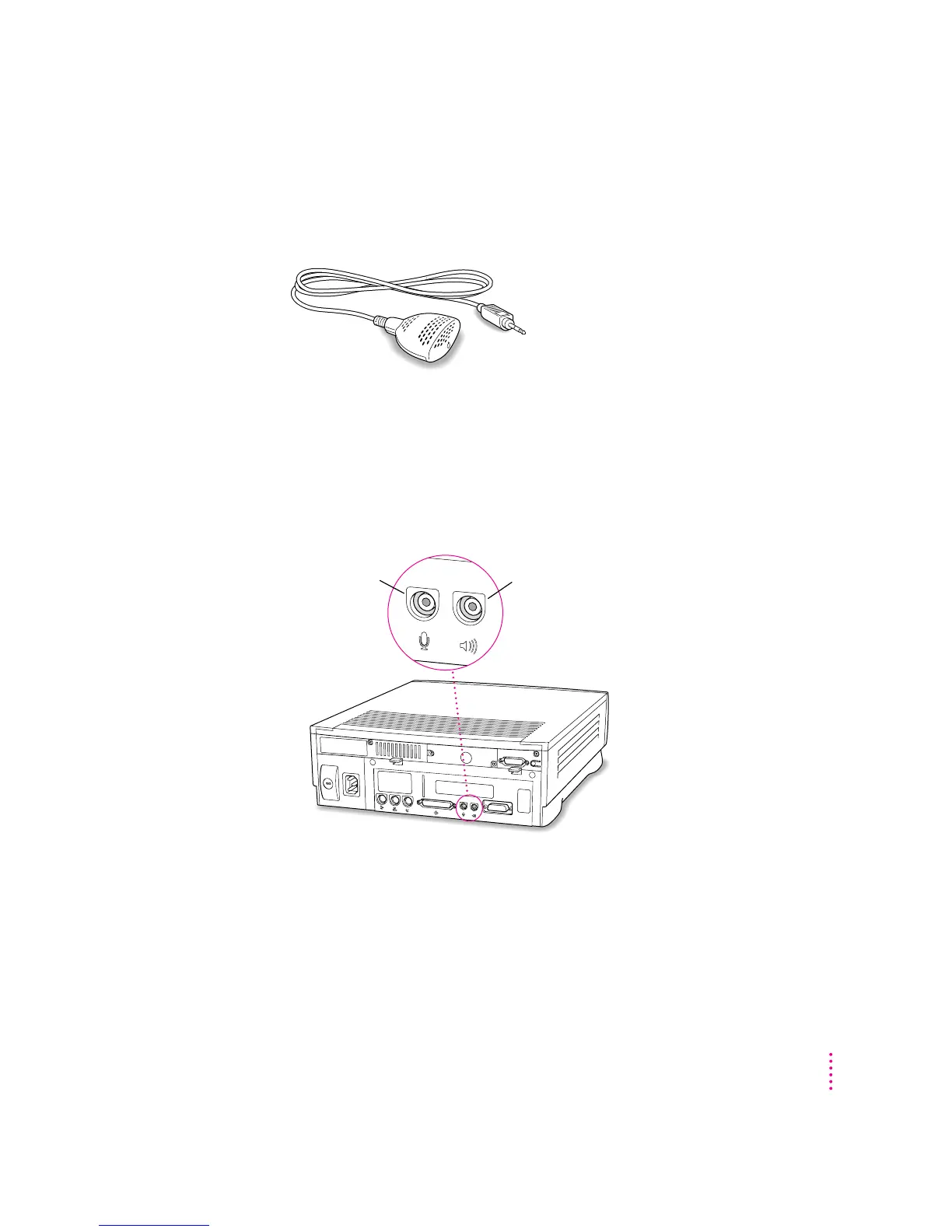
Connecting an Apple PlainTalk Microphone
Your computer has a sound input port, which you can use to connect an Apple
PlainTalk Microphone.
Use PlainTalk only: You should connect only the Apple PlainTalk
Microphone. Other models of microphone will not work with your
Macintosh.
To connect the microphone, do this:
m
Plug the microphone’s connector into the sound input port (marked with the icon
X
)
on the back of the computer.
Sound
input port
Sound
output port
31
Connecting Additional Equipment



 To Next Page