Installing a communication card
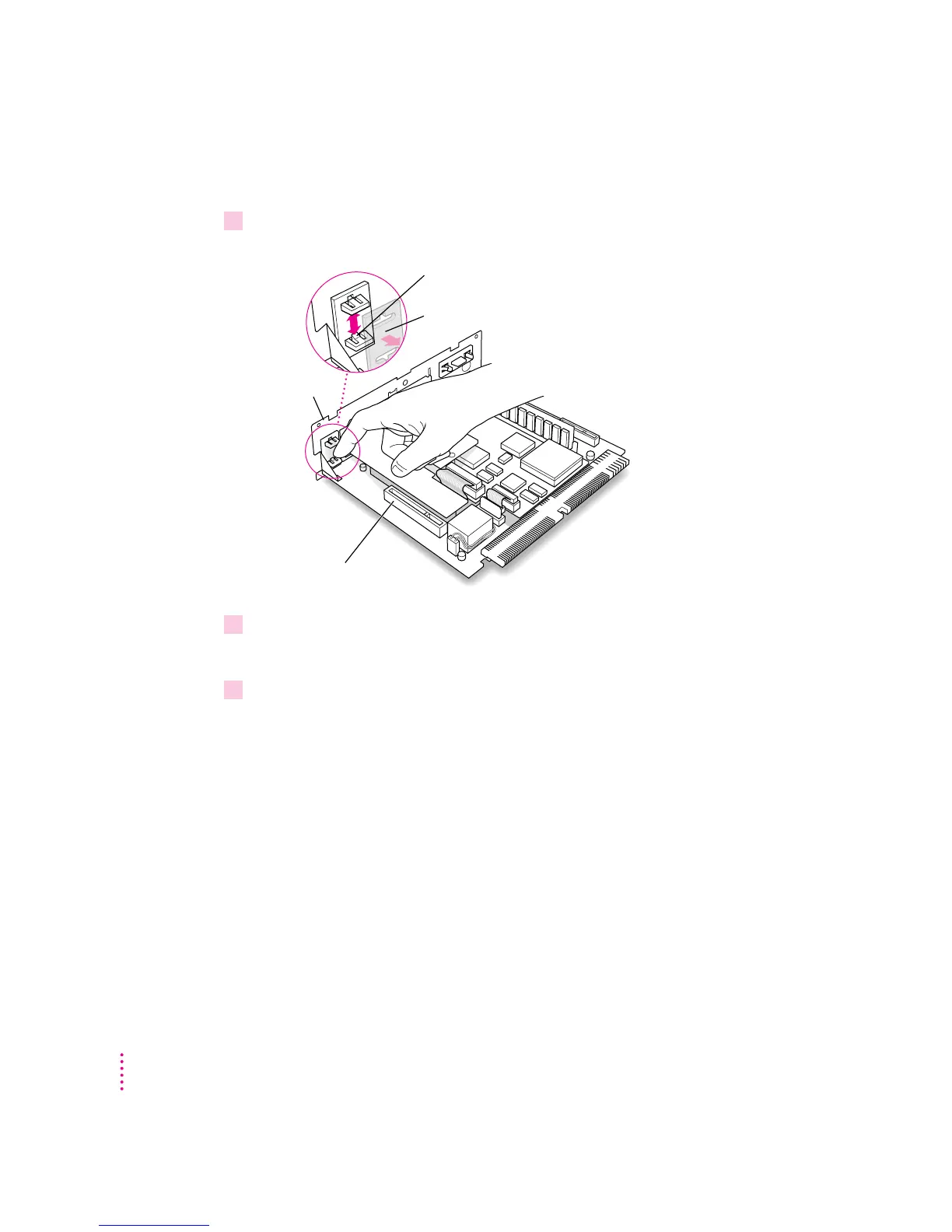
1If your communication card has ports for connecting equipment, remove the plastic
access cover from the vertical plate.
2 Remove the communication card from its static-proof bag.
Hold the card by its edges to avoid touching any connectors on the card.
3 Locate the slot on the logic board labeled COMMUNICATION SLOT.
Communication slot
Push the two plastic tabs apart and pull off the
metal retainer so the access cover can come off.
Vertical plate
Metal retainer
140
Appendix B



 To Next Page