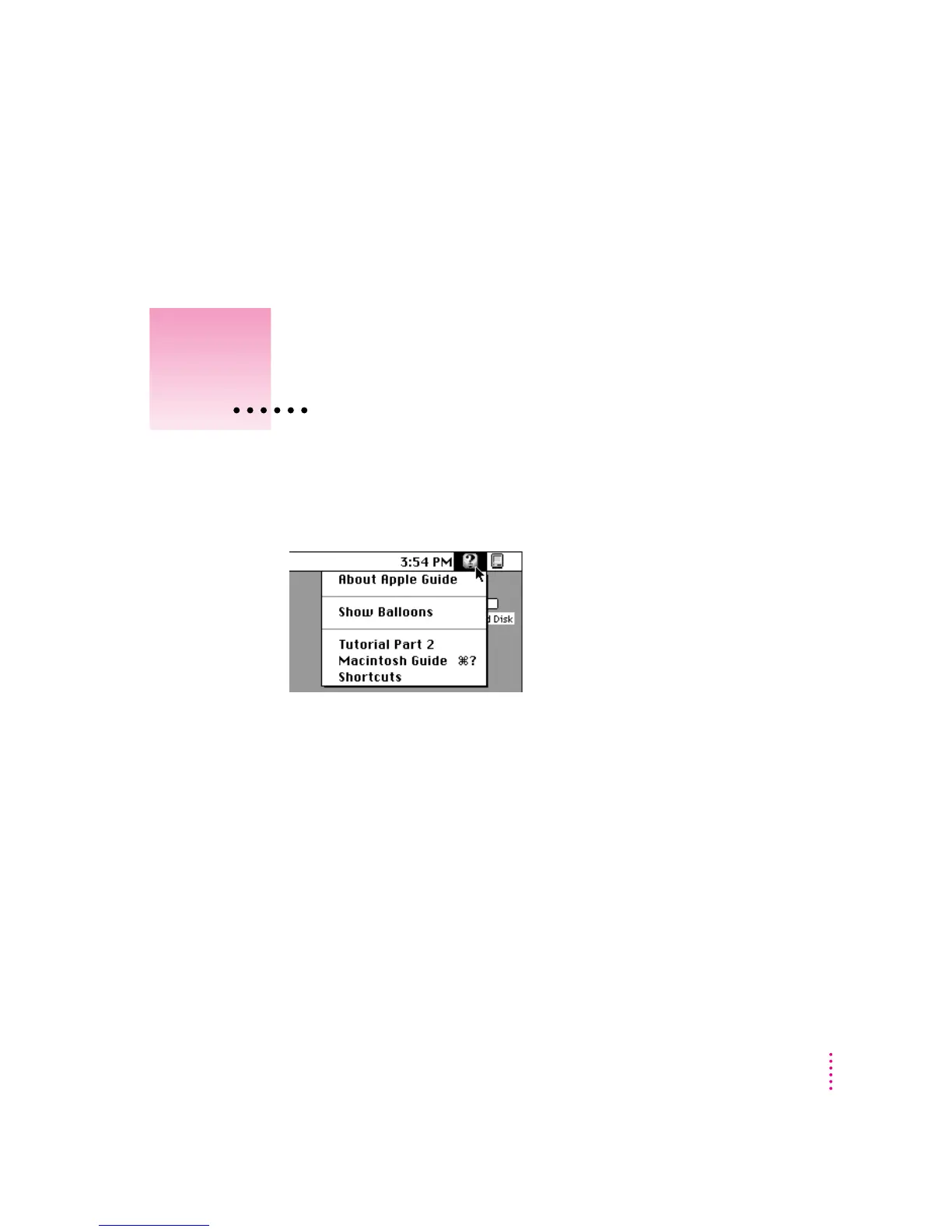
TheGuide menu is your main source of information when you’re working
with your computer in the Macintosh environment. The menu is identified by
a question mark (
h) in the upper-right corner of the screen.
(If you need instructions on using DOS or Windows, see the manuals that
came with these programs.)
17
2
Getting Help
Use the instructions in this
chapter to learn about the help
available to you in the Guide menu.



 To Next Page