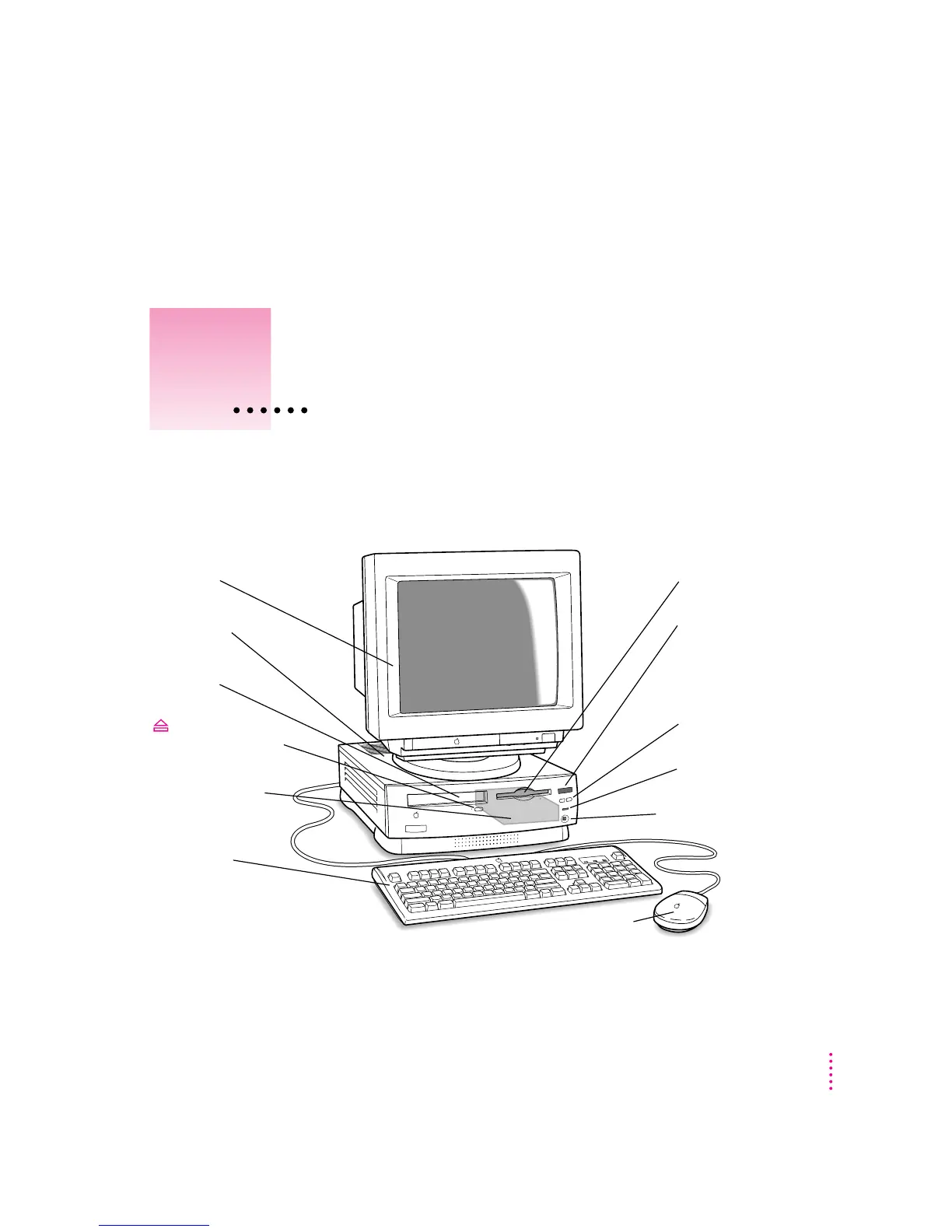
The illustration below shows a basic Macintosh system. You can expand your
computer system by connecting additional hardware (such as a printer,
modem, or external stereo speakers).
Mouse
Monitor
Computer
Keyboard
Hard disk drive
(internal)
Floppy disk drive
CD-ROM drive
Volume buttons
Use these buttons to
change the volume of the
computer’s sound.
CD-ROM drive
Open/Close button
Power-on light
Headphone jack
Remote control sensor
-
f
29
3
Connecting Additional Equipment
Read this chapter for information on
expanding your computer system
with additional hardware.



 To Next Page