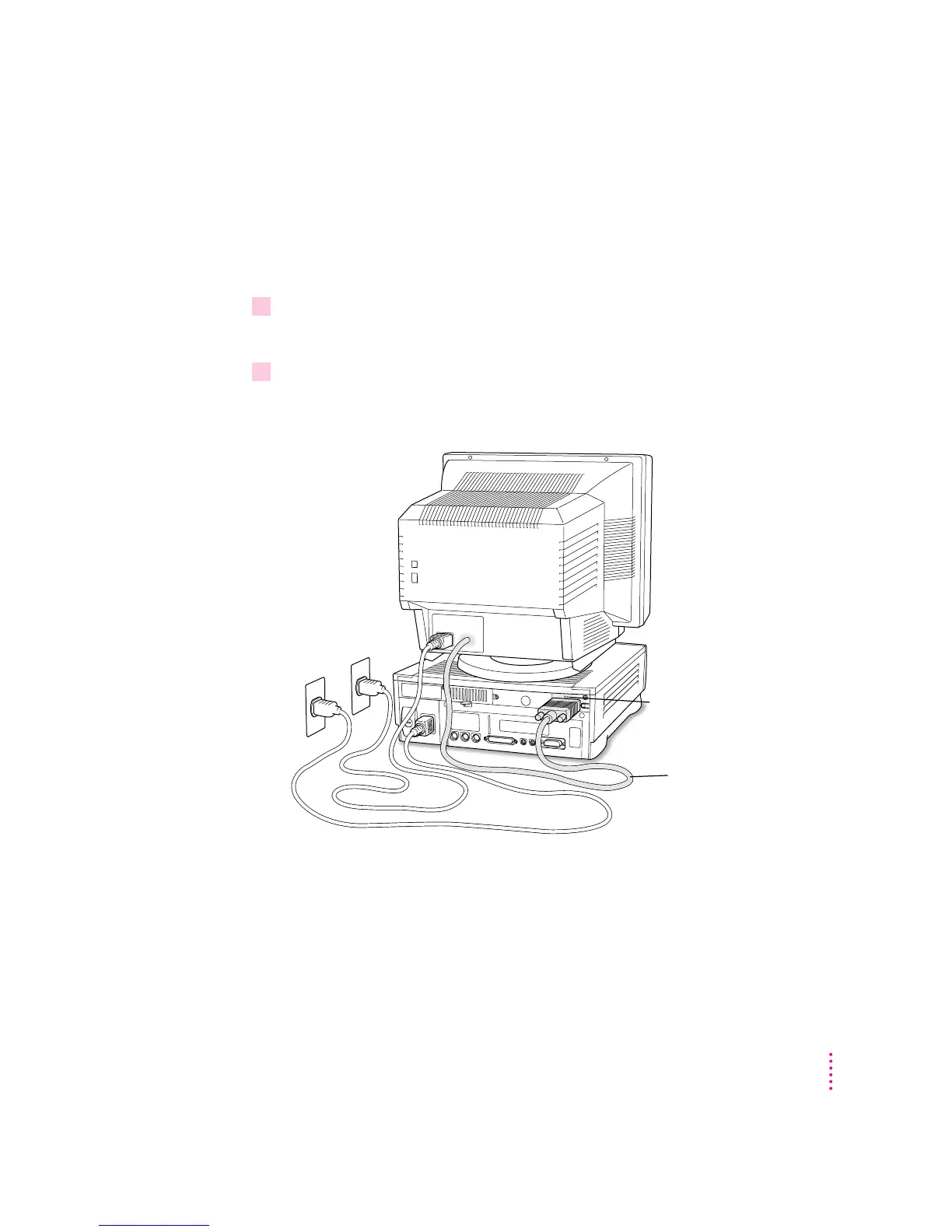
Connecting the monitor cable
After you plug in the monitor power cord, you connect the monitor cable to
the computer’s monitor port.
To connect the monitor cable, follow these steps:
1Attach the monitor cable to the monitor.
On some monitors, the cable is already attached (as shown below).
2Attach the monitor cable to the monitor port on the back panel of the computer.
The monitor port is on the upper-right corner of the back panel. It is marked
with the ™ icon (symbol). Be sure you plug the cable into the correct port.
Monitor cable
™
Monitor port
5
Getting Started



 To Next Page