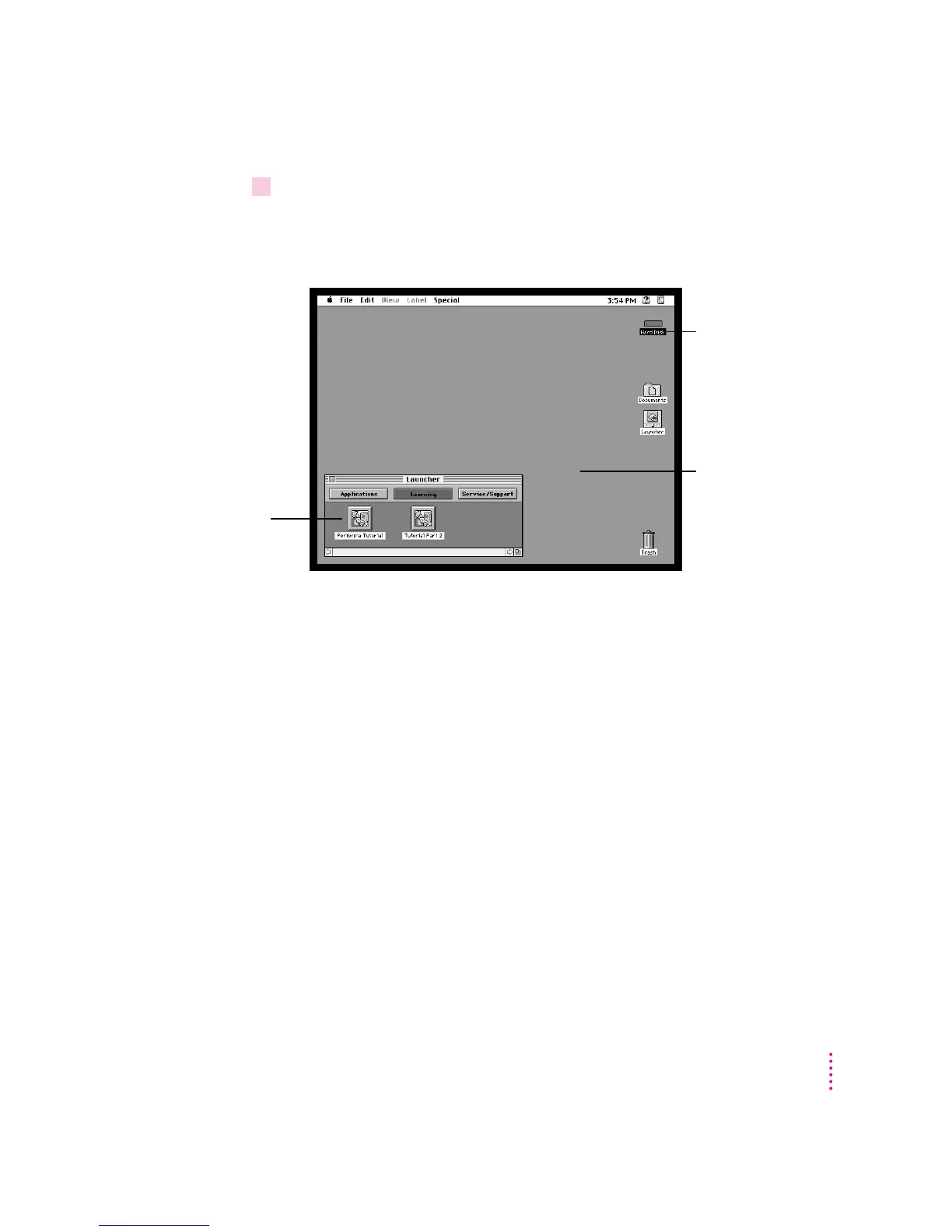
3Check to see what’s on your screen.
m If you see the Macintosh desktop, as in the illustration below, your system
software has already been installed, and your computer is ready to use.
Skip now to the section “What’s Next?” later in this chapter.
m If you see a blinking question mark, you may need to install system
software on your computer’s hard disk. (System software is the set of
programs your computer uses to start itself up.) See “Solutions to Common
Problems” in Chapter 7 for more information.
m If you see anything else on your screen, or nothing at all, see the next
section, “Problems Turning Your Computer On?”
9
Getting Started
Macintosh desktop
Hard disk icon
Your Launcher has
more items in it
than are shown in
this illustration.



 To Next Page