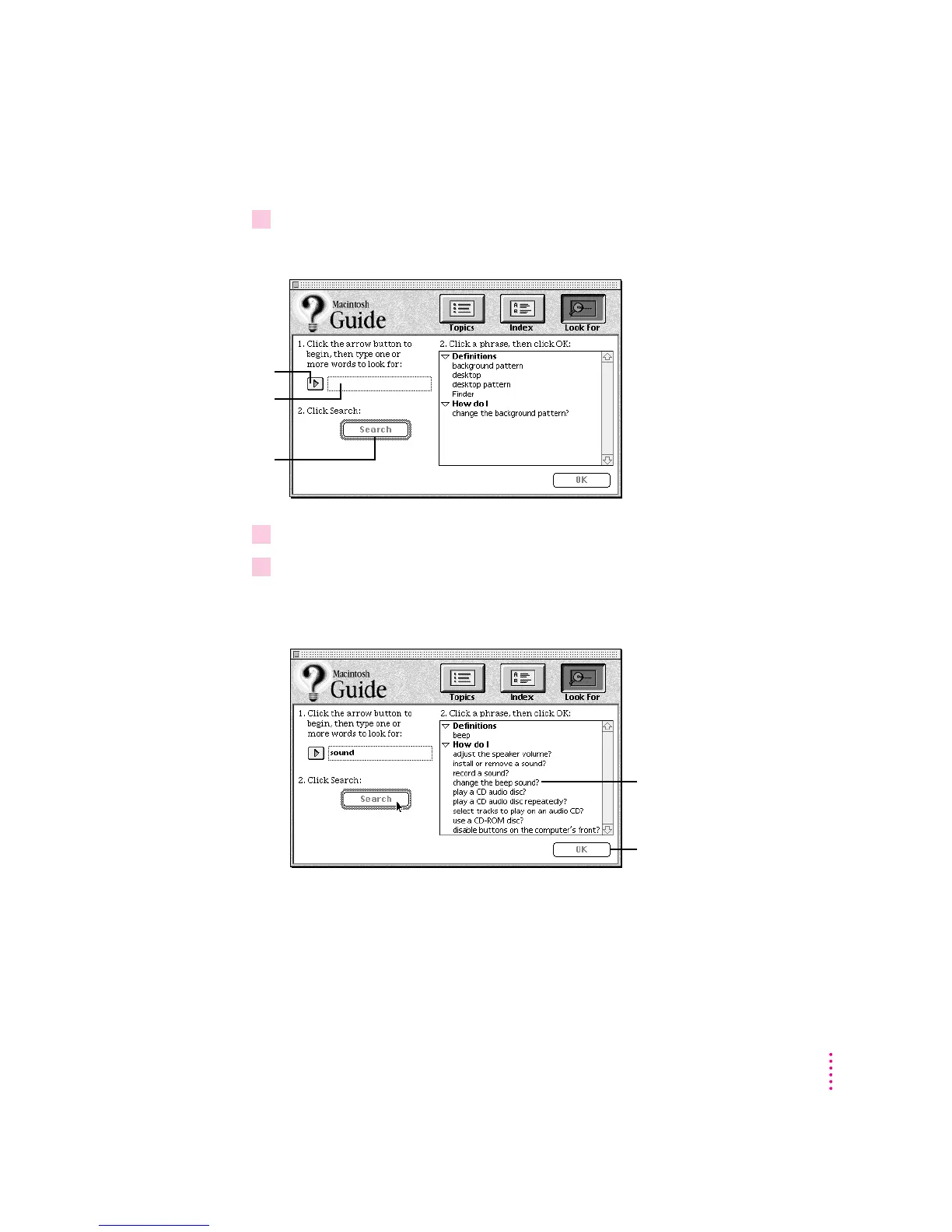
Getting answers with the Look For button
1 In the Macintosh Guide window, click the Look For button.
A small box appears on the left side of the window, where you can type text.
2Click the arrow button to activate the text box.
3Type “sound” in the text box and then click Search.
When you click Search, a list of questions related to the word or phrase you
typed appears on the right side of the Macintosh Guide window.
23
Getting Help
To activate the text
box, click here.
Type a word or phrase
in the text box…
…and then click here.
To get instructions,
click a question…
…and then click OK.



 To Next Page