3
H U I R E F E R E N C E G U I D E
INTRODUCTION
Welcome!
Of course we know what you want to do
now. You want to bypass this reference
guide completely and get right into the
business of firing up your new
HUI™. And who wouldn’t? So,
congratulations. You bought
yourself a HUI!
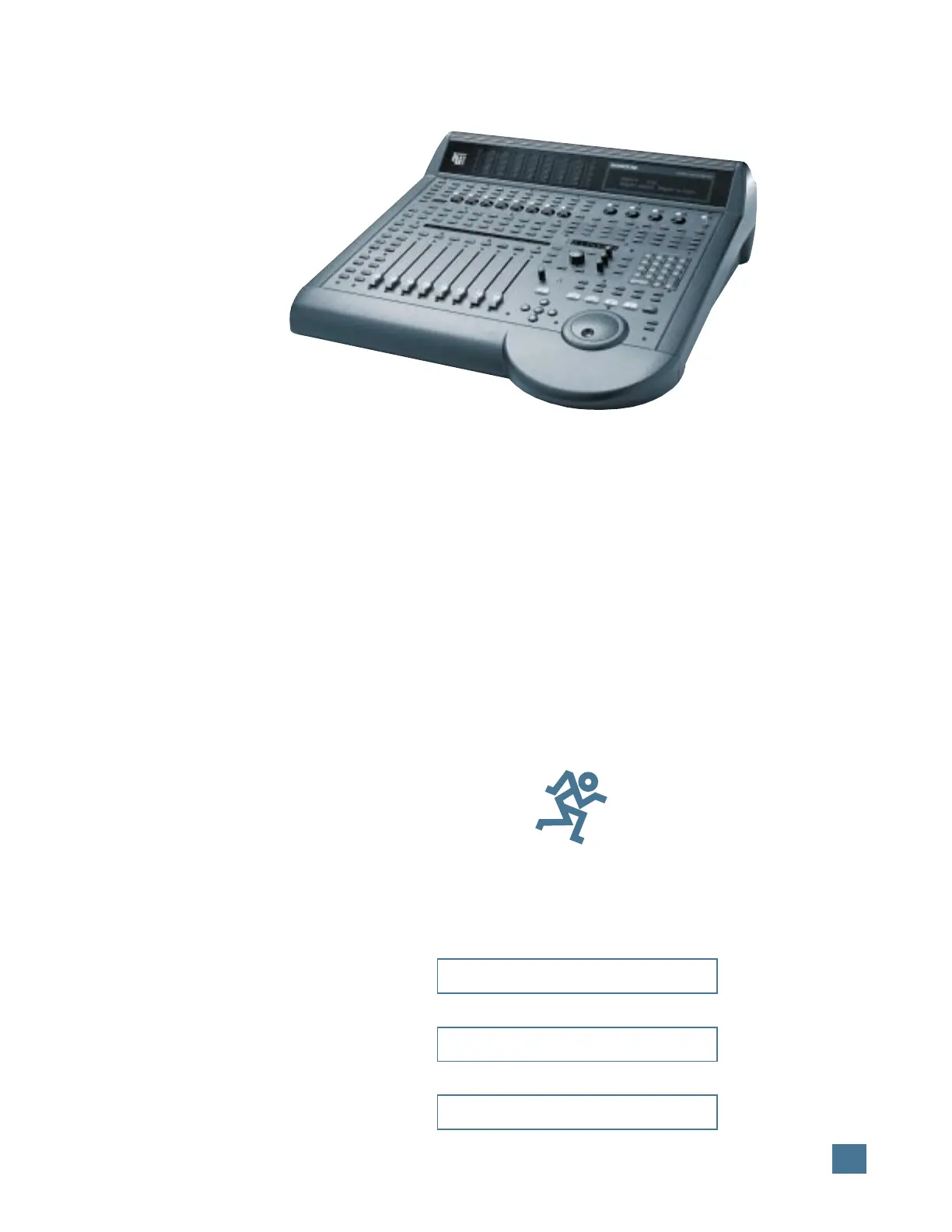
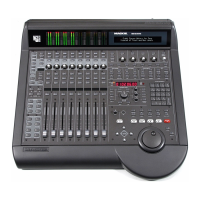
Mackie Designs’ HUI
— Human User Interface
— will make life with
your digital audio
workstation (DAW)
the sweet dream it
was always meant to be.
You’ve always imagined being able to
use your digital audio workstation the way you
use those old analog mixing consoles, but with
the modern enhancements of digital technology.
Now you can.
But before we break on through to the other
side of this page we’d like you to do a few
things:
1. Write down the serial number of your HUI
in the box prepared especially for you on this
page. Keep in mind one of the corollaries to
Murphy’s Law: The very act of writing down the
serial number means you’ll never need to use it.
See? We’re doing you a favor.
2. Check out the “Read Me” file with your
DAW software disks, or any additional inserts
that come with HUI. They’ll contain the lat-
est information about using your HUI,
including software updates, tips and tricks to
help you use it more efficiently, and any other
last-minute changes or addenda to this refer-
ence guide.
3. Save the box and all the foam innards.
Though we expect you’ll never have to send in
your HUI for service (see #1 above), should the
occasion arise you don’t want to be caught with
your pants down. Likewise, we don’t want to
have to sell you new pants (that is, a new box
and innards) to get you through the ordeal.
4. If you can’t force yourself to read this
blessedly short reference guide before digging
in, at least read through the Quick Start section
on pages 8 and 9. This shows you how to con-
nect HUI into your system, so you’re ready to
boldly go where your DAW has only hinted.
Now there’s just one more thing before we
begin…
What This Manual Will Do For You —
And What It Won’t
This reference guide is designed to help you
understand the specific features and controls of
Mackie’s HUI. Since HUI is designed to control
a wide variety of DAWs, including Digidesign
®
Pro Tools
®
, you will want to consult the proper
manual from your particular DAW manufacturer
to understand what each command and control
can do. For example, Pro Tools users should look
in Digidesign’s MIDI Controller’s Guide, or their
Pro Tools owner’s manual for specific information
on how HUI works with Pro Tools.
See the diagram on the next page — it de-
scribes which manual to use and when.
INTRODUCTION
Please write your serial number here for future
reference (i.e., insurance claims, tech support,
return authorization, etc.):
Purchased at:
Date of purchase:
Part No. 820-069-03 Rev. B 3/98
©1998 Mackie Designs Inc. All Rights Reserved.
Printed in the U.S.A.
®


 To Next Page