332 Chapter 15: The 3D Cast Member, 3D Text, and 3D Behaviors
Applying 3D behaviors
You apply 3D behaviors in the same way as standard behaviors in Director. You can attach as
many behaviors to a sprite as needed, but each behavior that requires a trigger must have a unique
trigger to activate it.
To apply a 3D behavior:
1 Open the Library palette.
2 Open the 3D library.
3 Attach an action behavior to the sprite either on the Stage or in the Score.
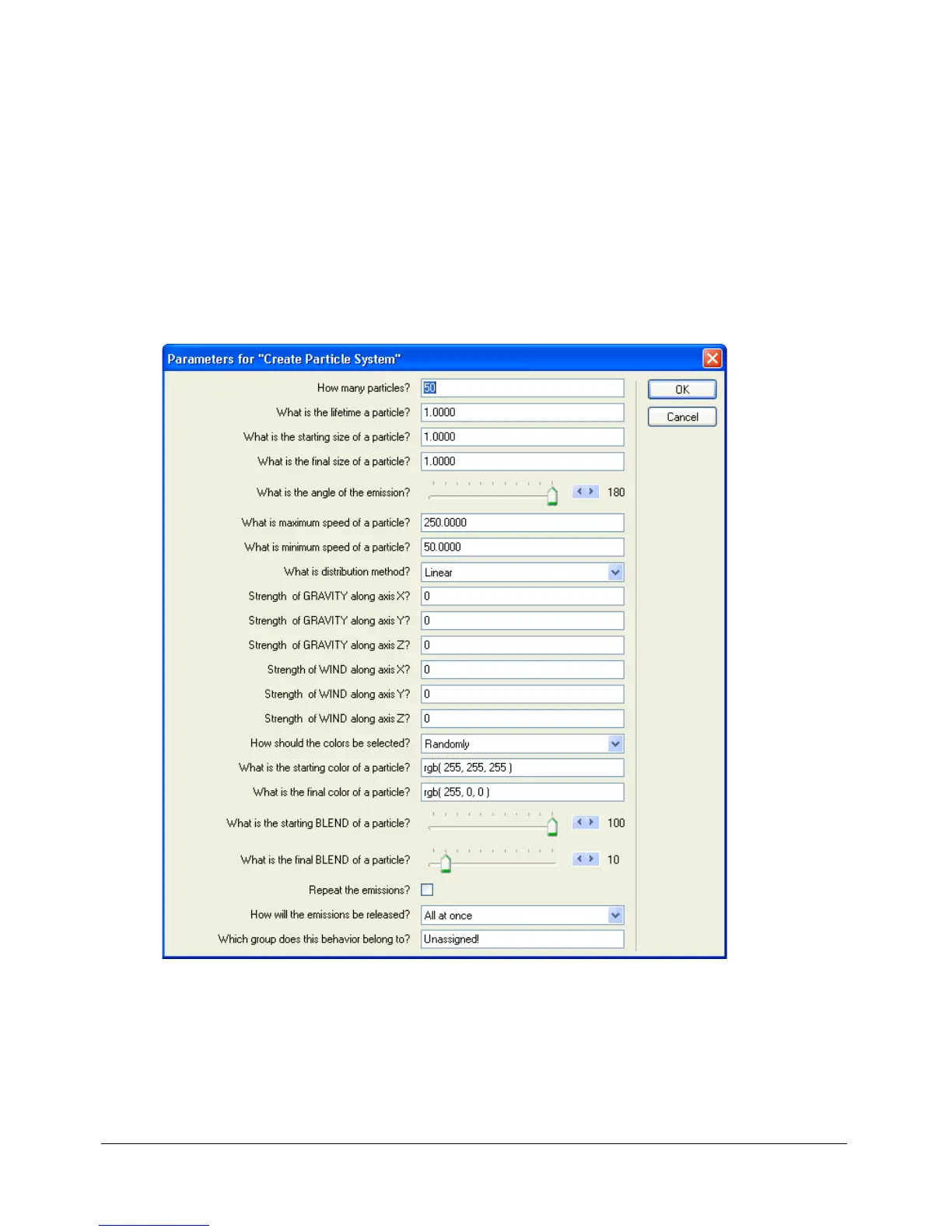
The Parameters dialog box appears. You can use this dialog box to control the behavior.
Depending on the behavior you select, the dialog box might have many options or only a few.
4 Specify options in the Parameters dialog box.
5 Click OK.



 To Next Page