Using 3D behaviors 333
6 For local behaviors, attach a trigger behavior to the same sprite. For public behaviors, attach a
trigger behavior to a specific sprite.
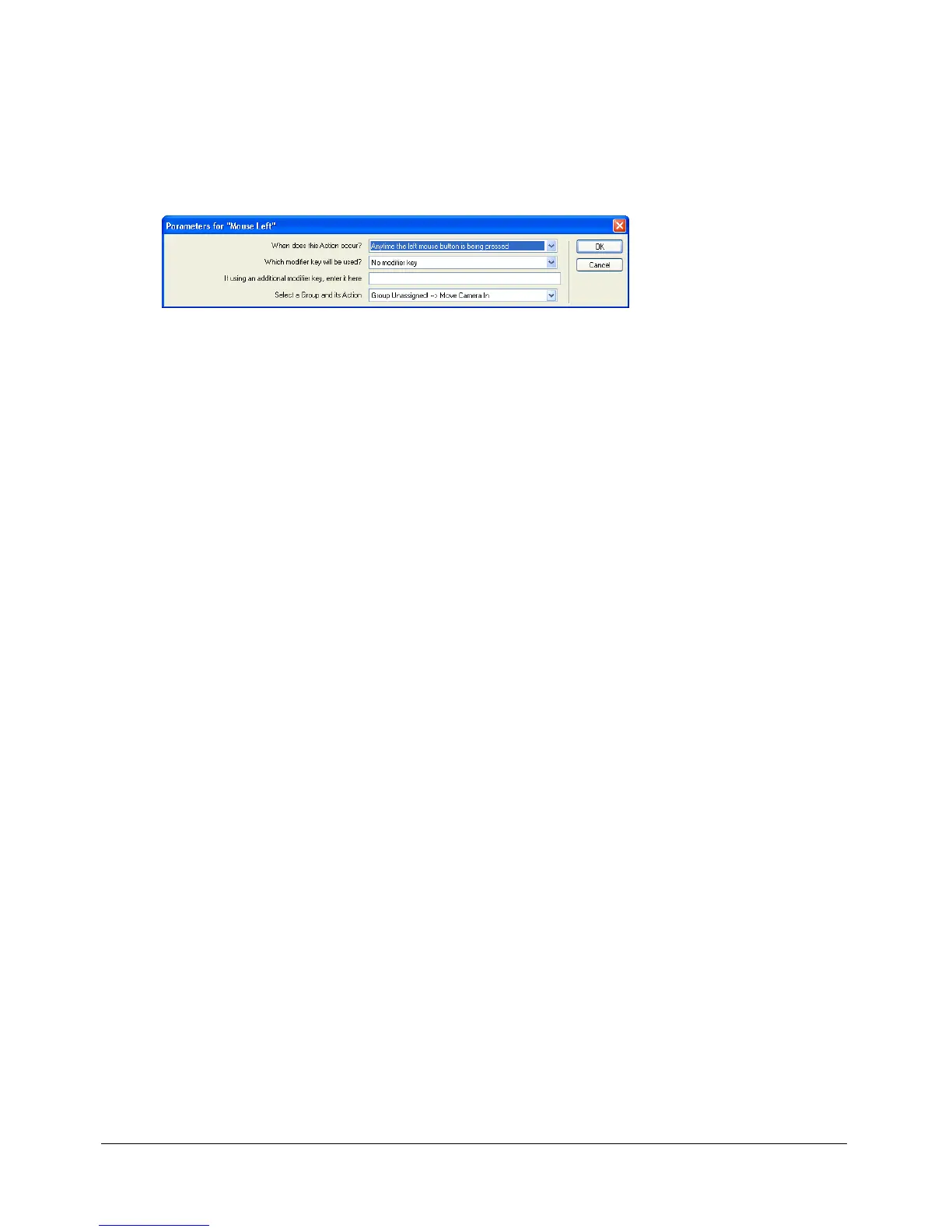
The Parameters dialog box appears. You can use this dialog box to control when the trigger
should work; what modifier keys, if any, are associated with the trigger; and to which sprite
group the trigger is assigned. For more information about groups, see “About behavior groups”
on page 333.
7 Specify options in the Parameters dialog box.
8 Click OK.
About behavior groups
The Parameters dialog boxes of the local and public action behaviors give you the option to assign
the behavior to a group of behaviors. Groups let a single trigger initiate actions across multiple
sprites. To establish a group, select a name for the group and enter that name in the Parameters
dialog box of each behavior that you attach to the sprites in the group.
Note: A behavior group is not the same as a group node inside a 3D cast member.
Because the triggers are sent to the group name rather than to a specific sprite number, there are
no reference changes to update when a sprite moves from one Score channel to another.



 To Next Page