100 Chapter 5: Creating Interaction with ActionScript
Setting color values
You can use the methods of the built-in Color class to adjust the color of a movie clip. The
setRGB() method assigns hexadecimal RGB (red, green, blue) values to the movie clip. The
following example uses
setRGB() to change an object’s color based on user input.
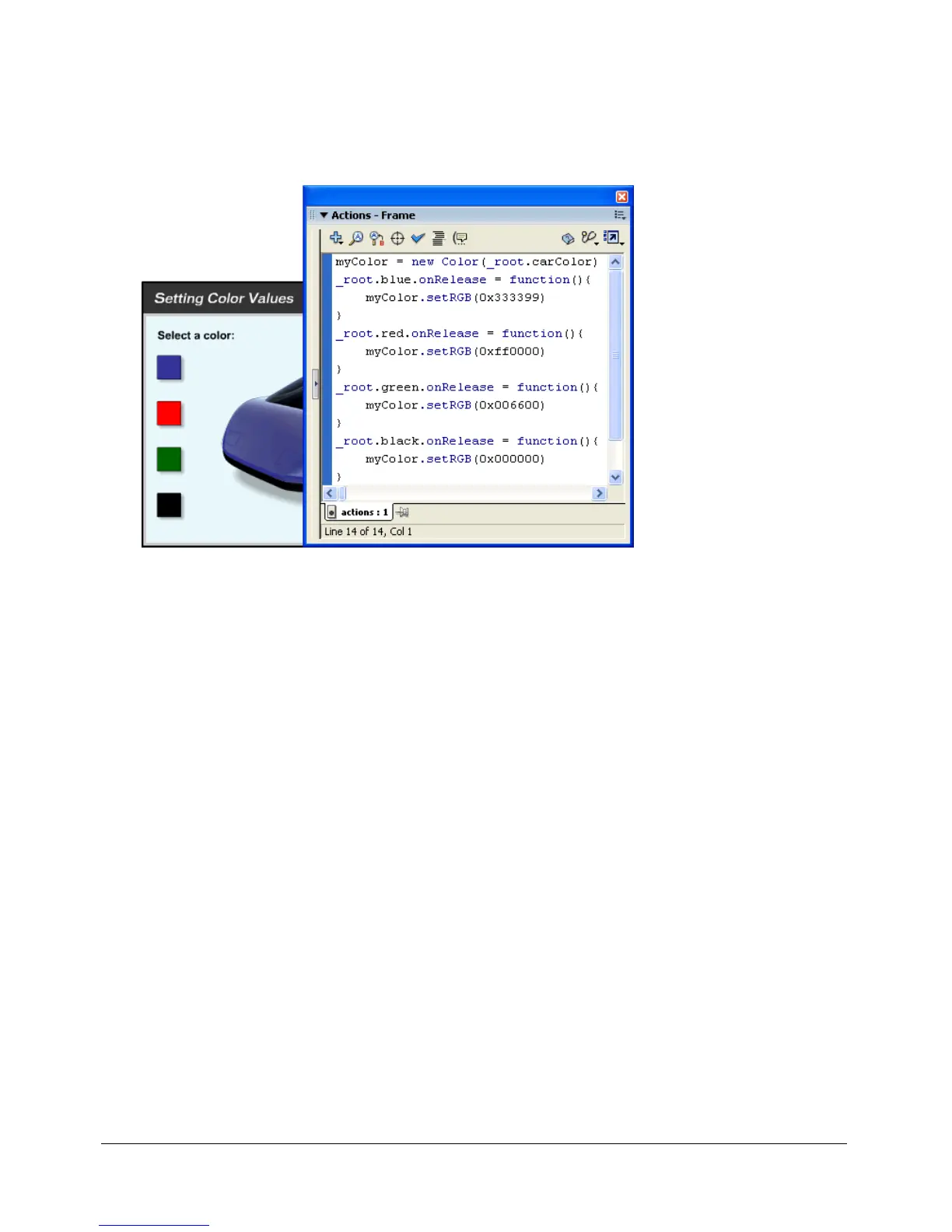
The button action creates a Color object and changes the color of the car based on user input.
To set the color value of a movie clip:
1 Select a movie clip on the Stage.
2 In the Property inspector, enter carColor as the instance name.
3 Create a button named color chip, place four instances of the button on the Stage, and name
them
red, green, blue, and black.
4 Select Frame 1 in the main Timeline, and select Window > Development Panels > Actions.
5 To create a Color object that targets the carColor movie clip, add the following code to the
Actions panel:
myColor = new Color(_root.carColor);
6 To make the blue button change the color of the carColor movie clip to blue, add the following
code to the Actions panel:
_root.blue.onRelease = function(){
myColor.setRGB(0x0000ff)
}
The hexadecimal value 0x0000ff is blue. The following table displays the other colors you’ll use
and their hexadecimal values:



 To Next Page