Creating interactivity and visual effects 101
7 Repeat step 6 for the other buttons (red, green, and black) to change the color of the movie clip
to the corresponding color. Your code should now look like this:
myColor = new Color(_root.carColor)
_root.blue.onRelease = function(){
myColor.setRGB(0x0000ff)
}
_root.red.onRelease = function(){
myColor.setRGB(0xff0000)
}
_root.green.onRelease = function(){
myColor.setRGB(0x00ff00)
}
_root.black.onRelease = function(){
myColor.setRGB(0x000000)
}
8 Select Control > Test Movie to change the color of the movie clip.
For more information about the methods of the Color class, see the Color class entry in
Chapter 12, “ActionScript Dictionary,” on page 205.
Creating sound controls
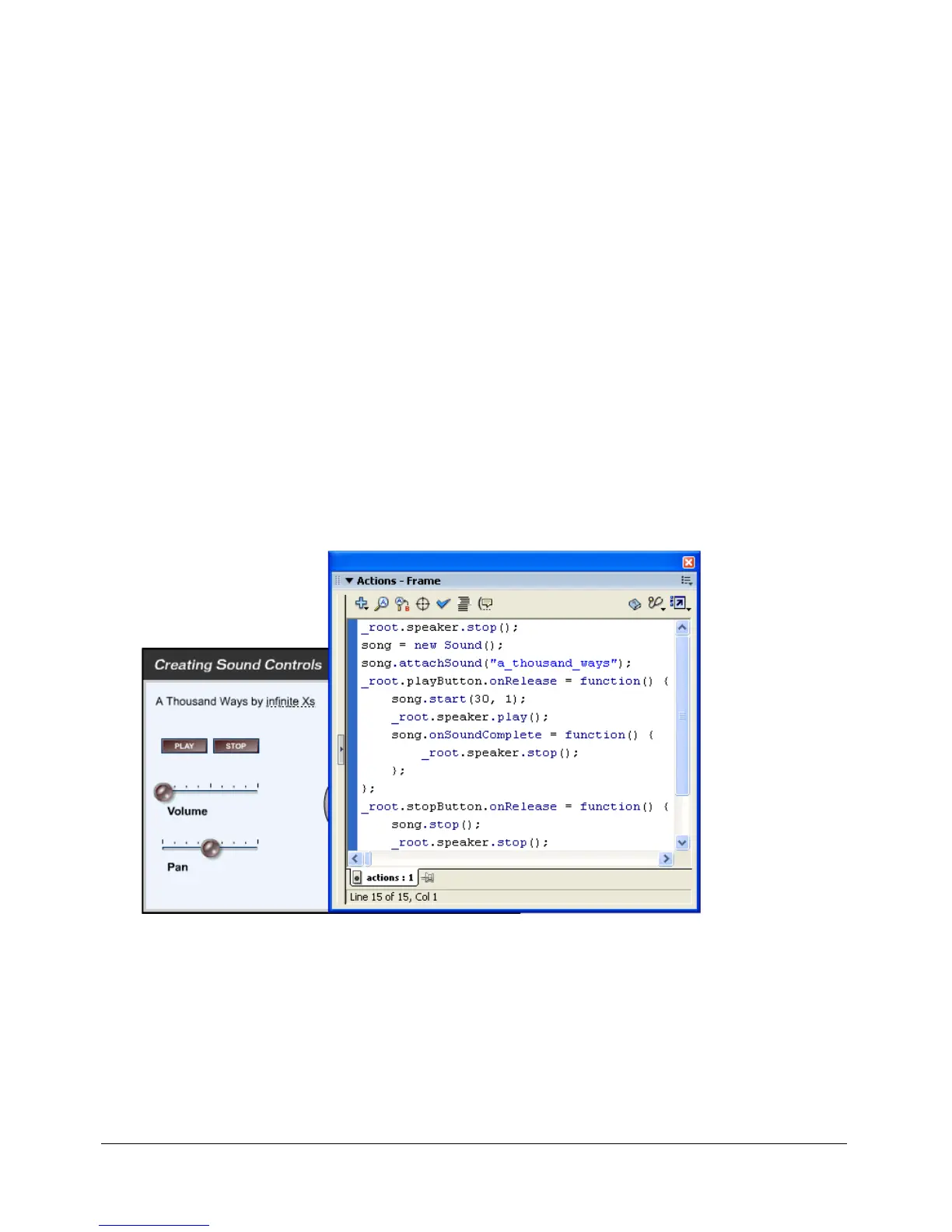
You use the built-in Sound class to control sounds in a SWF file. To use the methods of the
Sound class, you must first create a Sound object. Then you can use the
attachSound() method
to insert a sound from the library into a SWF file while the SWF file is running.
When the user releases the Play button, a song plays through the speaker.



 To Next Page