OPERATION
INSTRUMENT PANEL
Operating Manual MT 25 / 30 YT 61
Coolant liquid level
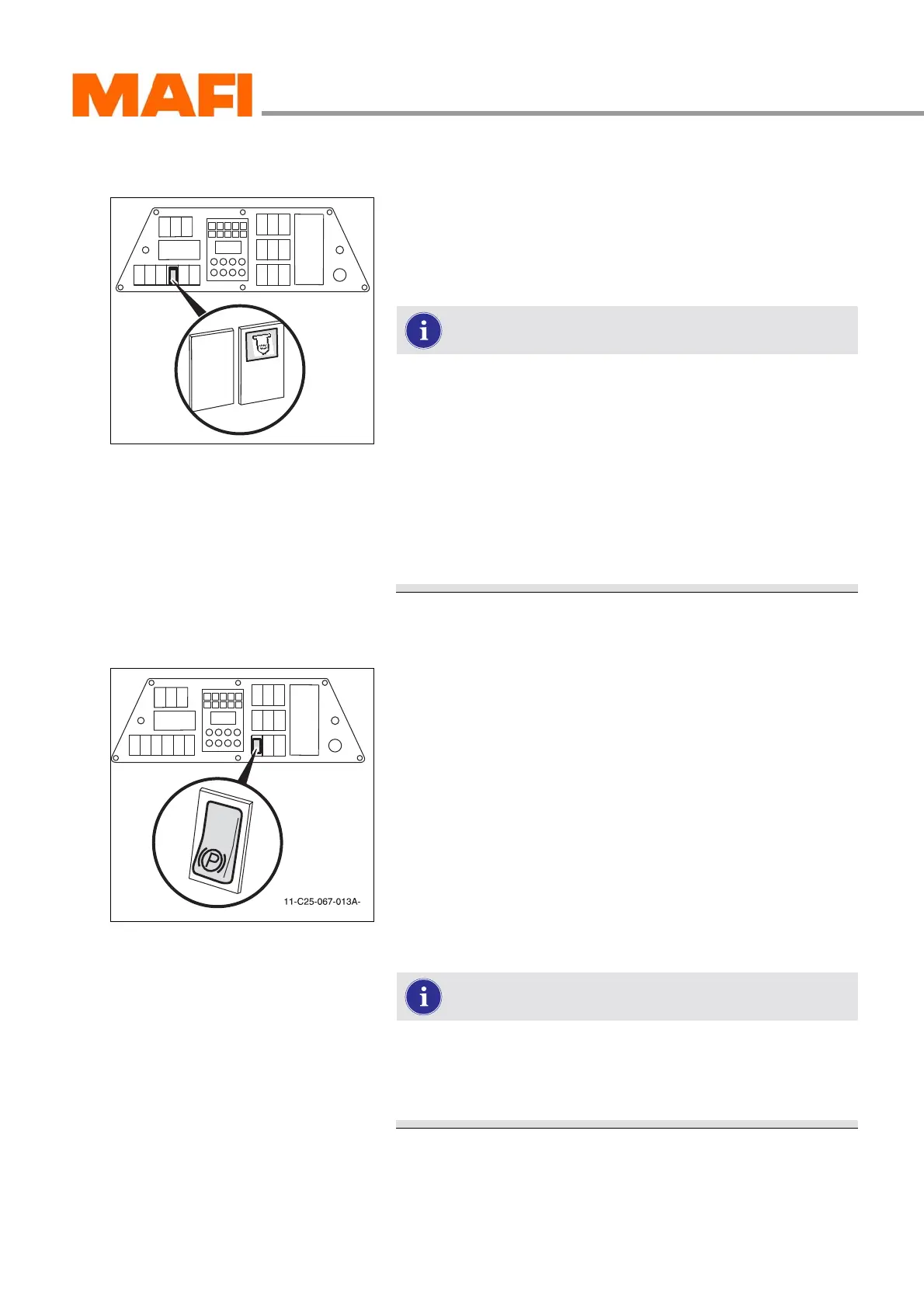
Fig. 45: “Coolant liquid level” control light
The control light is on the operating instrument panel.
If the control light is lit, then the coolant liquid level in the equal-
ising reservoir is too low.
The engine shuts off automatically 30 seconds after the
control light lights up.
Check the cooling system for external leaks.
Allow the motor to cool a little before you refill the
coolant. The coolant liquid level has to be between the
“MIN” and “MAX” marks when the MTL is parked, stand-
ing horizontally level.
If the control light illuminates frequently within a short
period, have the cause for the warning inspected by
a qualified garage immediately to avoid engine dam-
ages.
Parking brake
Fig. 46: Parking brake switch
Apply the brakes
X Press the switch at bottom.
3 The function indicator on the multi-function display is lit.
The parking brake is engaged.
Releasing the brakes
X Press the switch at top.
3 The function indicator on the multi-function display goes
out. The parking brake is released.
If the function indicator lights up even though the brake
is released, then the air pressure in the compressed air
tanks is too low. For troubleshooting see chapter
“SELF-HELP”.



 To Next Page