OPERATION
LIGHTING
Operating Manual MT 25 / 30 YT 51
Lighting
Headlight
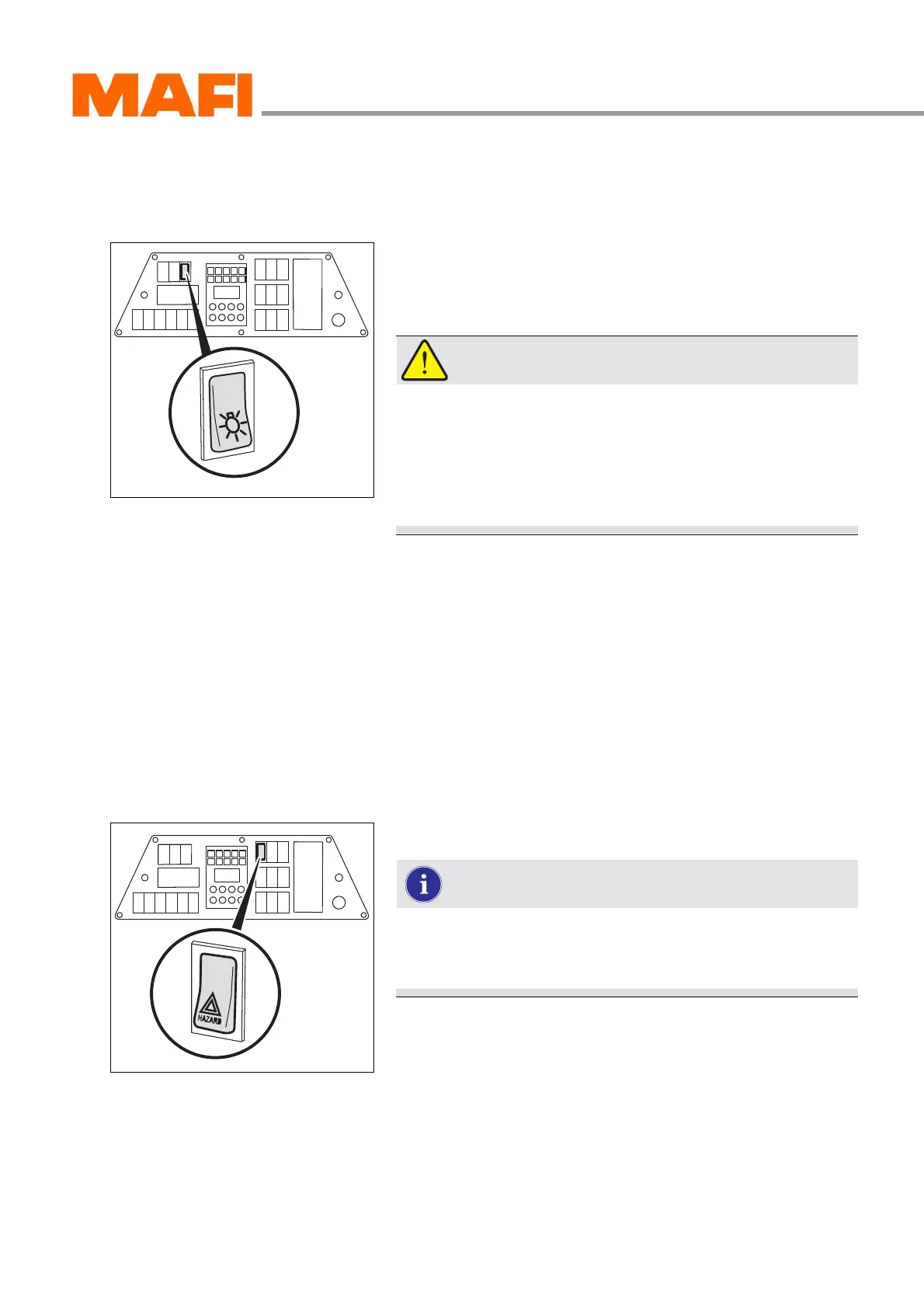
Fig. 32: Headlight switch
Use the 2-stage switch to switch on the headlight or parking
light. It is installed in the instrument panel.
WARNING!
Accident hazard!
Accidents may occur when oncoming traffic is dazzled
by high beam.
X Always drive with dipped beam when there is oncom-
ing traffic.
Switching on lights
X Press the switch to stage 1.
3 The parking light is switched on.
X Press the switch to stage 2.
3 The headlight is switched on. The status of the headlight
is indicated in the multi-function display.
Hazard lights
Fig. 33: Switch for hazard lights
Switch the hazard lights on whenever you have to stop
in an emergency. You can thereby warn others about
possible dangers.
The switch for the hazard lights is installed in the instrument
panel.
Switching on the hazard lights
X Press the switch.
3 The hazard lights are on and the function indicators for
the driving direction indication on the multi-function dis-
play flash simultaneously.



 To Next Page