CONTROL ELEMENTS
Instrument panel
60 Operating manual MT 32 / 36
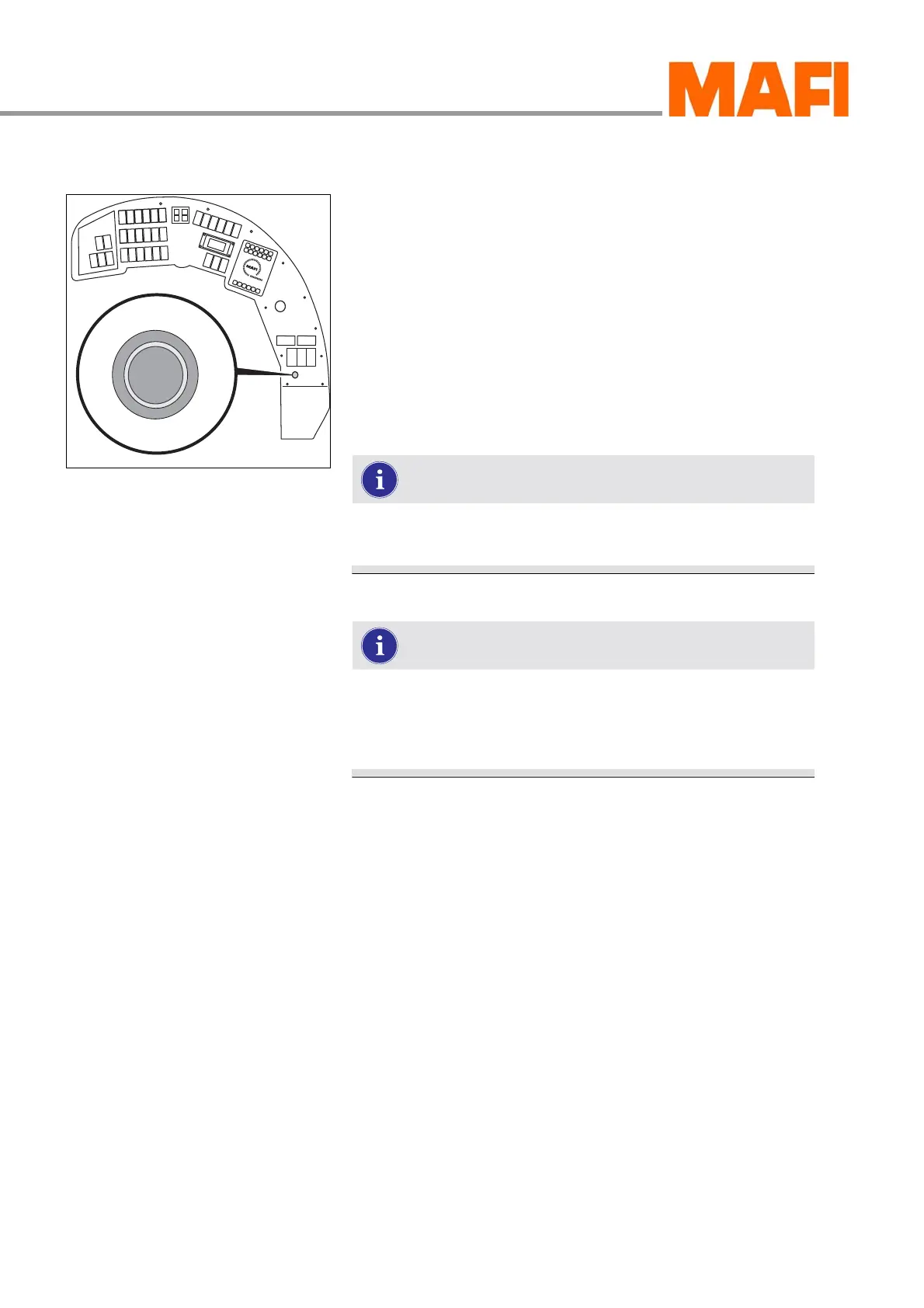
Parking brake
Fig. 47: “Parking brake” switch
Engaging the parking brake
X Press the switch down.
3 The function indicator on the multi-function display illumi-
nates. The parking brake is engaged.
Releasing the parking brake
X Press the switch up.
3 The function indicator on the multi-function display goes
out. The parking brake is released.
When the parking brake is engaged, all driving posi-
tions are blocked.
If the function indicator is illuminated even though the
brake is released, then the air pressure in the com-
pressed air tanks is too low. For help, see chapter
„SELF-HELP“



 To Next Page