Searching for a Preloaded POI using Nearest
Searching for a preloaded POI using the Nearest option is similar to searching for user-
entered POIs with an additional step. Preloaded POIs have been categorized into five
categories (Cities, Highways, Airports, Waterways, and Parks) and you need to select the
category that the POI will be found in.
1. Press
MENU.
2. Use the Arrow joystick to highlight Pts of Interest.
3. Press
ENTER.
4. Use the Arrow joystick in an up/down motion to highlight
Background Map.
5. Use the
Arrow joystick in a left/right motion to select
Nearest.
6. Press
ENTER.
7. Use the
Arrow joystick to select Position (POIs nearest to
your present position),
Cities (POIs nearest to a city you will
select), or
Other (POIs nearest to another POI you will select from the database).
8. Press
ENTER.
9. Use the
Arrow joystick to highlight the category (Cities, Highways, Airports,
Waterways, or Parks) for the POI.
10. Press
ENTER.
11. Use the Arrow joystick to highlight the POI desired and press ENTER.
Points of Interest
36
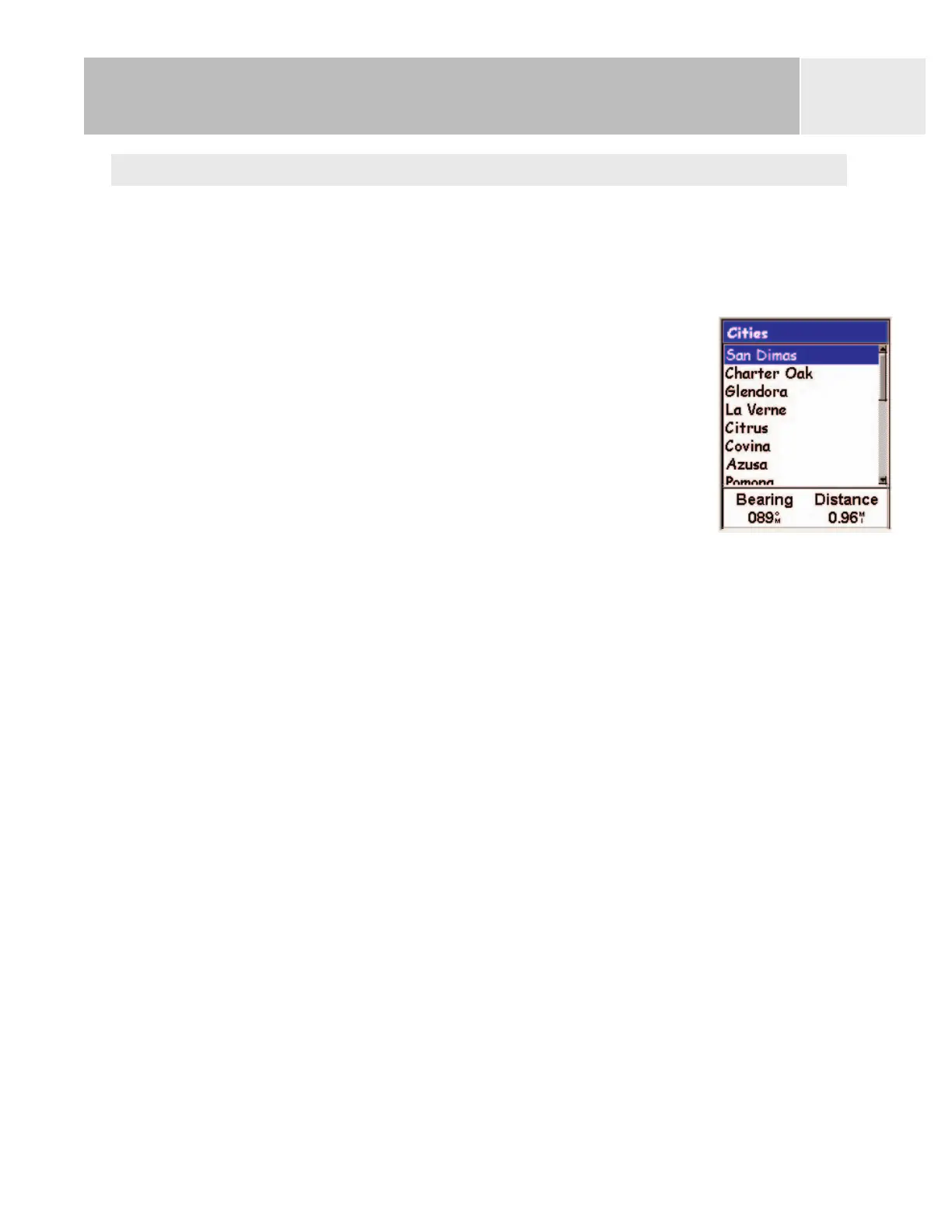
List of cities, nearest to
the present position















 To Next Page