Track Logs
63
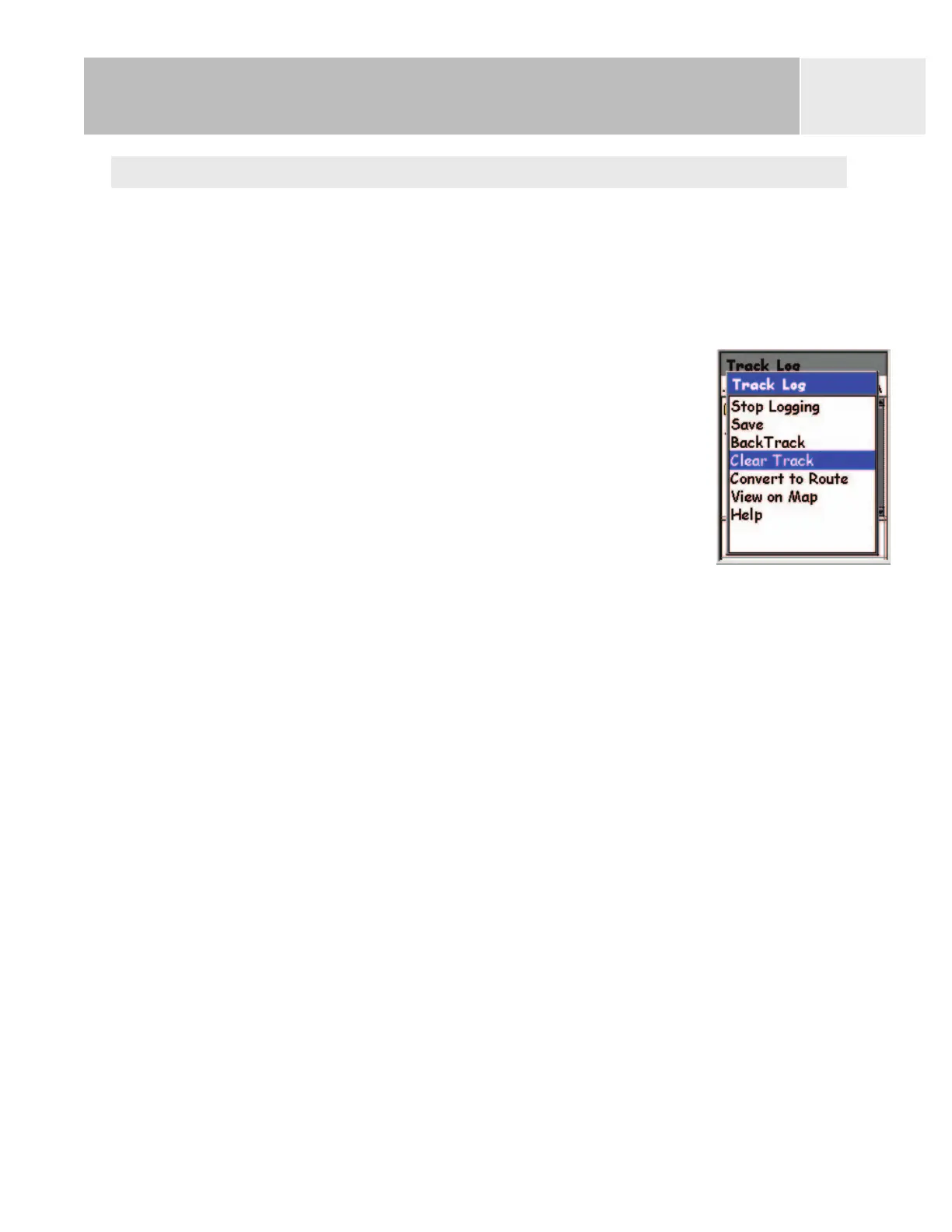
Clearing the Active Track
The active track can get to be very large, especially if you haven’t cleared it in a while. It is
recommended that if you plan to use BackTrack or to save the upcoming track log that you
should clear the active track before beginning your journey. If you do not, the other functions
will still work, but you will probably have a lot more track log information than you want.
1. Press
MENU.
2. Use the
Arrow joystick to highlight Track Log.
3. Press ENTER.
4. Use the Arrow joystick to highlight Active Track.
5. Press ENTER
6. Highlight Clear Track.
7. Press
ENTER.
The active track is cleared, and you are returned to the
Track Log
screen.















 To Next Page