English
24
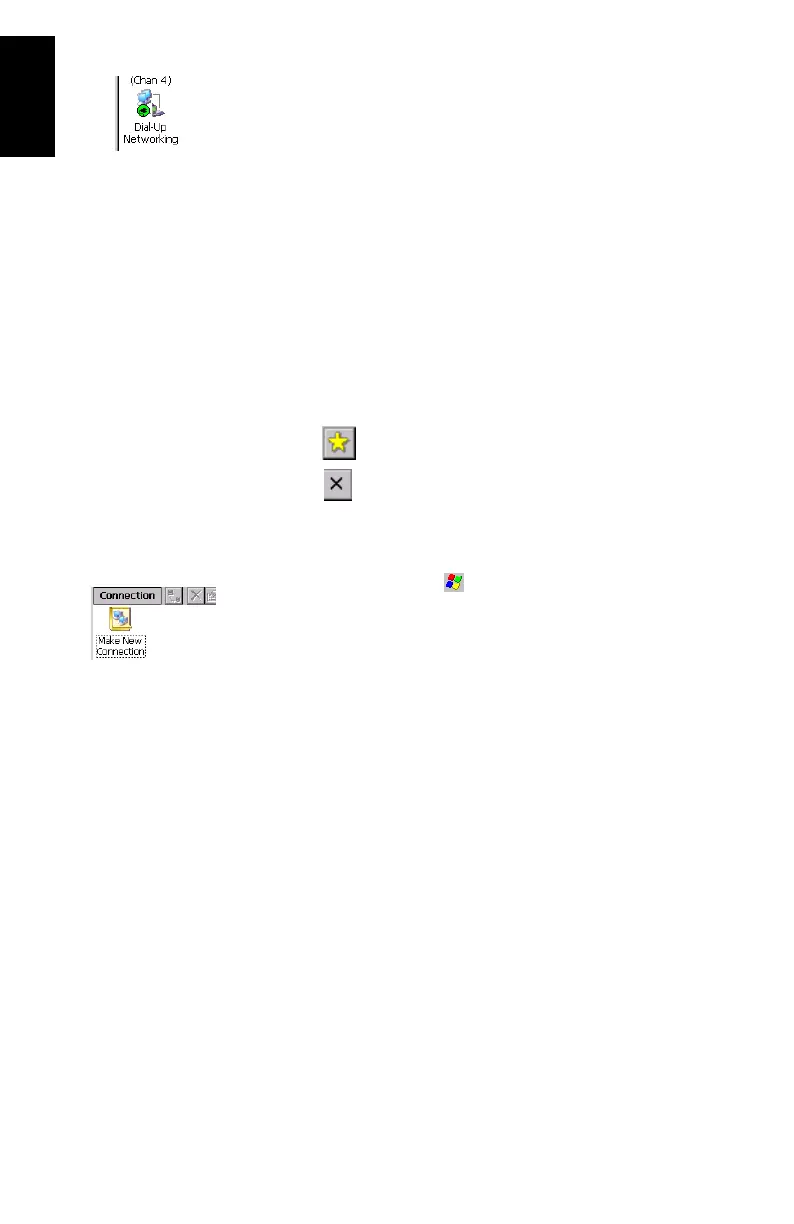
2. Tap OK to close the message window. Note the presence of
a plug in a green circle on the Dial-Up Networking icon
showing that the connection has been made (see oppo
-
site).
Create a Shortcut for Future Connections
This shortcut will allow you to save time for future connections
as you won’t have to list the local services of the cell phone to
re-activate the Bluetooth link. Instead you will just have to
double-tap the shortcut.
1. Tap and hold the Dial-Up Networking icon. When a dotted
circle appears, remove the stylus and, in the menu that
pops up, select
Create Shortcut. A message “Shortcut suc-
cessfully saved” appears after a few seconds.
2. Tap OK to close the message window.
3. Tap to view the shortcut you have just created.
4. Tap to minimize the Bluetooth Manager window.
Step 5: Prepare the GPRS Connection
1. In the task bar, tap >Settings>Network and Dial-up Con-
nections.
2. In the window that opens, double-tap the Make New Con-
nection icon.
3. Name the new connection (for example “My Cell Phone”)
using the virtual keyboard, keep Dial-Up Connection
checked on and then tap Next>.








 To Next Page