25
Riding with TR7
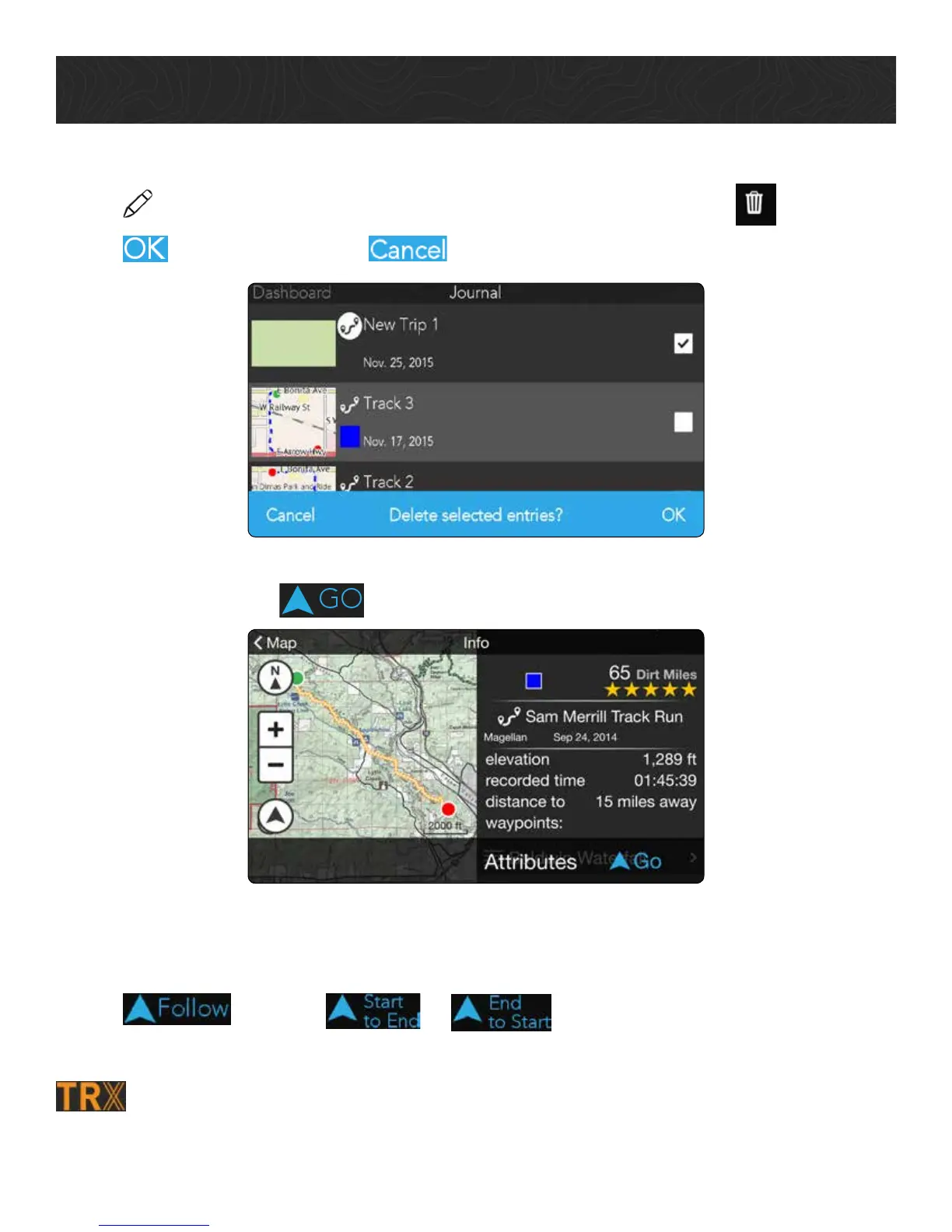
Delete A Trip
1. Tap
> tap the check box next to each trip you want to delete > tap .
2. Tap
to delete the trip, or to return to your Log or Wish List.
To navigate to a trail, POI, or other item that you’ve saved to your Wish List, tap an item
on your Wish List > tap
.
To follow a trail from your Wish List:
1. Tap an item on your Wish List.
2. Tap
, then tap or to ride a track or trail.
3. Follow the arrows and voice guidance to ride safely along the track or trail.
Tip: You’ll receive audio guidance when following official TRX Basemap Trails,
but not on user-generated Tracks.










 To Next Page