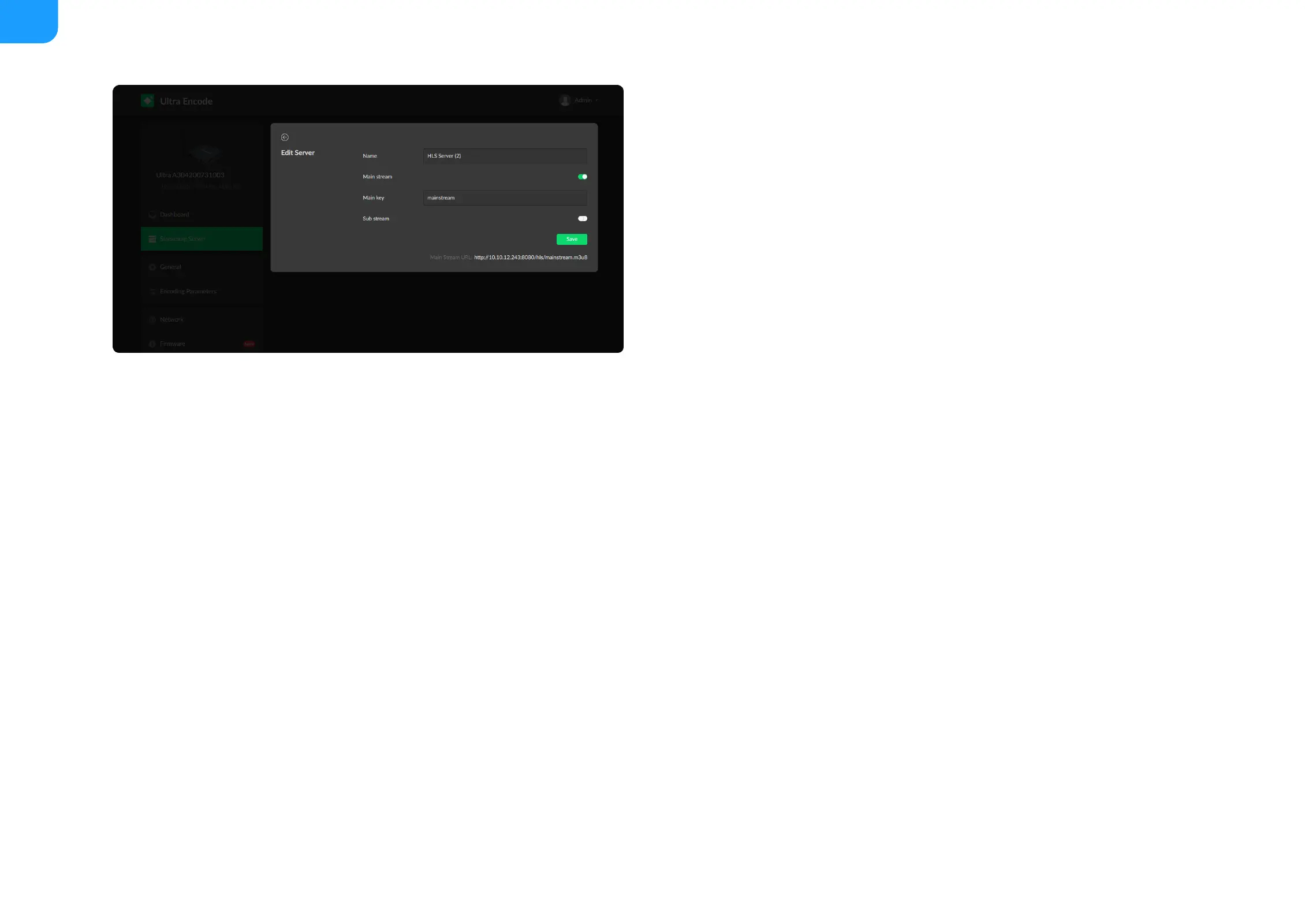
HLS
Name: specify a name for current task to facilitate server management,
which will be displayed in server list.
■
Main stream: switch it on when pushing main stream. Modify the stream
profile in Encoding Parameters tab.
■
Main key: set key for main stream. The keys of main and sub stream should
be different.
■
Sub stream: switch it on when you want to encode sub stream. Modify the
stream profile in Encoding Parameters tab.
■
Sub key: set key for sub stream. The sub key should be different from main
key.
■
Save: save current server configuration.
■
Only 1 HLS streaming session can be started each time, but you can add
multiple servers to the streaming server list.
■
After configuration, the stream URLs of main and sub stream will display at
the end of the setting page.
■



 To Next Page