O
p
t
i
o
n
F
un
c
t
i
o
n
s
Warning of vehicle battery drain.
28
One flashing light
Trunk Open Sensor
If the vehicle is locked (armed) with a taillight on, the parking lights will flash once
and siren will chirp 7 times
With this sensor installed and the alarm armed, the alarm will be triggered if the trunk
is opened. The siren will be activated and the parking lights will flash.
Wakeup Interception Function
With this option installed: If the door is forced open, while the vehicle is armed/locked,
the vehicle will not start with either the remote or key.
Preheating Sensor
For remote starting diesel vehicles, the system monitors Wait to start lights to preheat
the engine.
▶
Options will generally cost extra for installation and parts.
No
t
e
27
♬♪~
Beep once
Flashes 5 times
2. Button Hold Cancellation
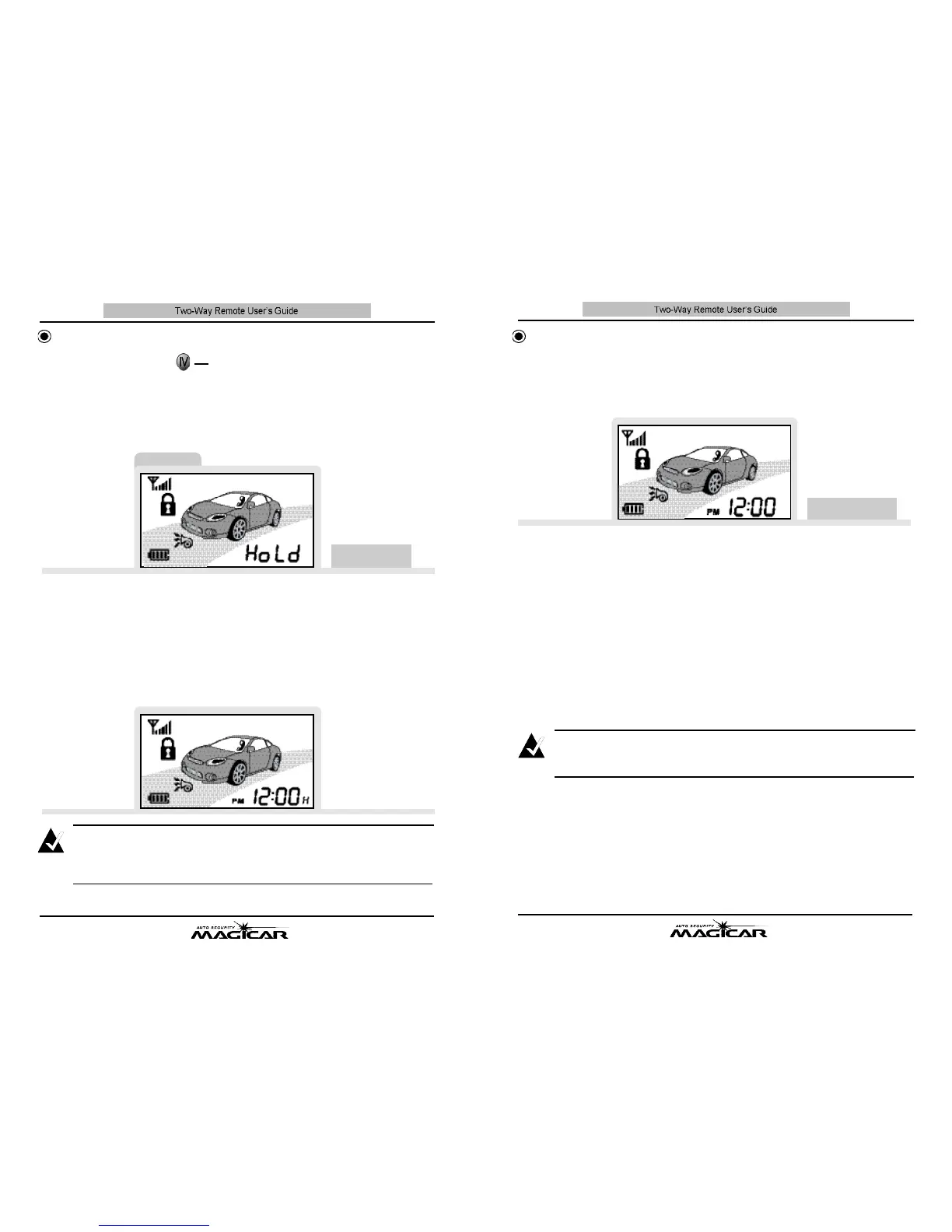
To cancel the Button Hold function, press button I Vfor 2 sec. again while the
Button Hold function is active. The remote will beep twice, and the normal func
tions will return to the remote.
3. Button hold Display
Normally, Button Hold operation is indicated on the right side of the screen as
an “H”
▶
The Button Hold function will be cancelled if you activate Panic mode by
pressing button I Vfor 4 sec.
No
t
e
Button Hold Function 2 sec
B
u
tt
o
n
F
un
c
t
i
o
n
s
This function prevents accidental button presses while carrying your remote.
1. Button Hold Set-up
To activate the Button Hold function, press button I Vfor 2 sec. The remote will
beep and display “H o l d”on the screen.



 To Next Page