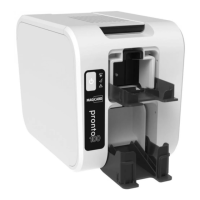
Pronto 100 ID Card Printer – User Guide
10
Operation of the User Interface Buttons
The following functions are available:
• Standby Mode
Example operation: Press and hold the button for approximately 2 seconds to put the printer into Standby mode.
Press the button again (momentary press) to wake the printer.
• Printer Power On/Off
Press and hold for approximately 8 seconds to power off the printer. Press the button again (momentary) to
power the printer back on.
• Initiate Soak Routine
With the Dye Film removed and the Lid closed, press the button 4 times to begin the Soak routine.
(Self Calibration Routine).
• Print an internal Test Card
With the Dye Film fitted and the Lid closed, press the button 4 times in quick succession to begin printing a test
card (the main button should begin to flash at this point).
• Clear Error
A momentary press of the button will cancel the current operation (when the “Cancel” option is available).
• Initiate a Cleaning Cycle
With the Lid open, press the power button 2 times in quick succession to begin a cleaning routine.



 To Next Page