inteleSmart2 Instruction Manual
June 2016
Page 28 of 49
Run the RCP Software
After installation of the RCP Software, double-click the RCP icon found on the desktop to launch the
program. This will prompt you to enter an activation key. If an activation key is not entered at this time, the
software can only be used 10 times before locking the user out. Contact customer service or your sales
representative for an activation key.
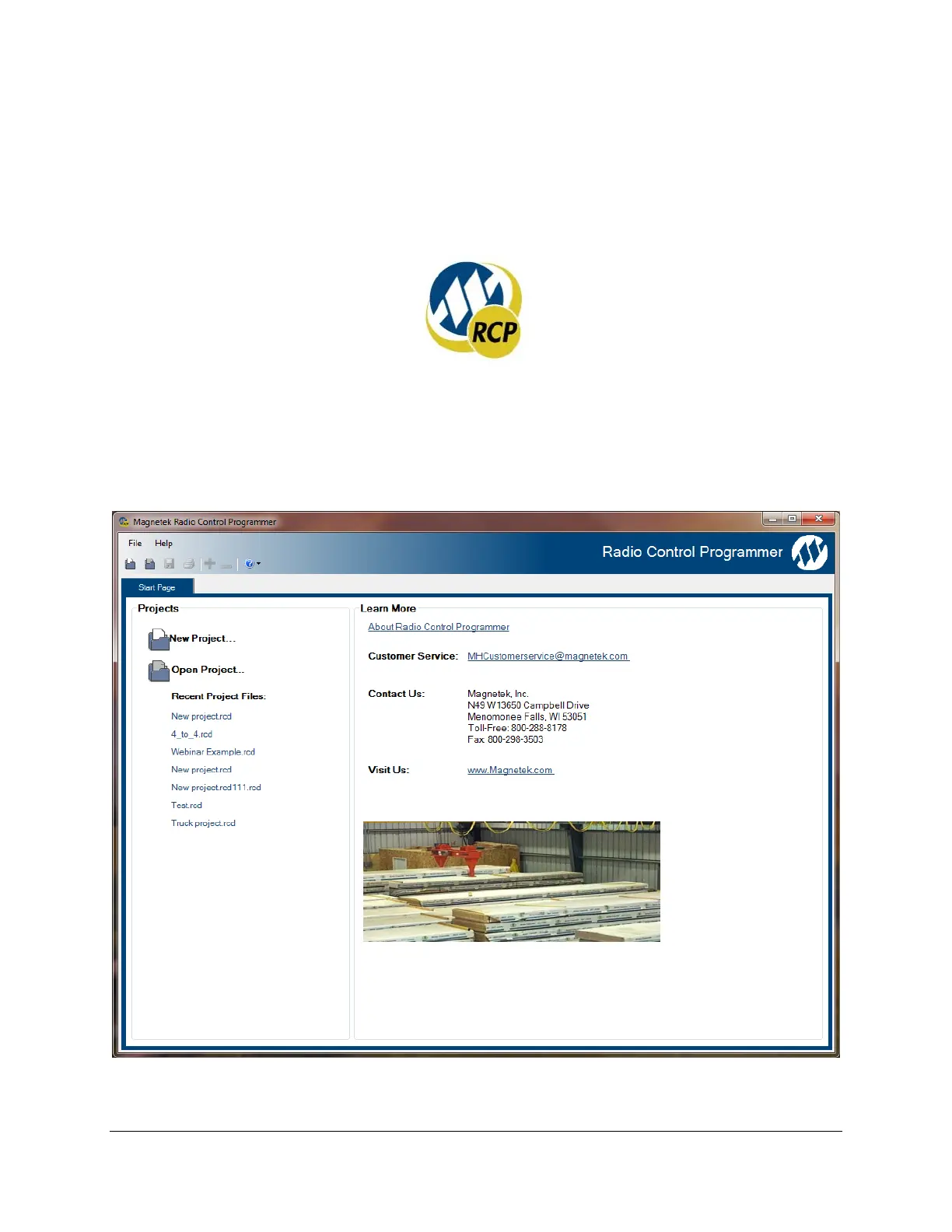
Click on New Project or Open Project
Select “New Project” if you are creating a new program file. Select “Open Project” if you want to retrieve
an existing program file. A list of recent projects will appear under Open Project. Clicking on one of
these will open that project. It is recommended that you create a folder in which to save all programming
files.


 To Next Page