inteleSmart2 Instruction Manual
June 2016
Page 29 of 49
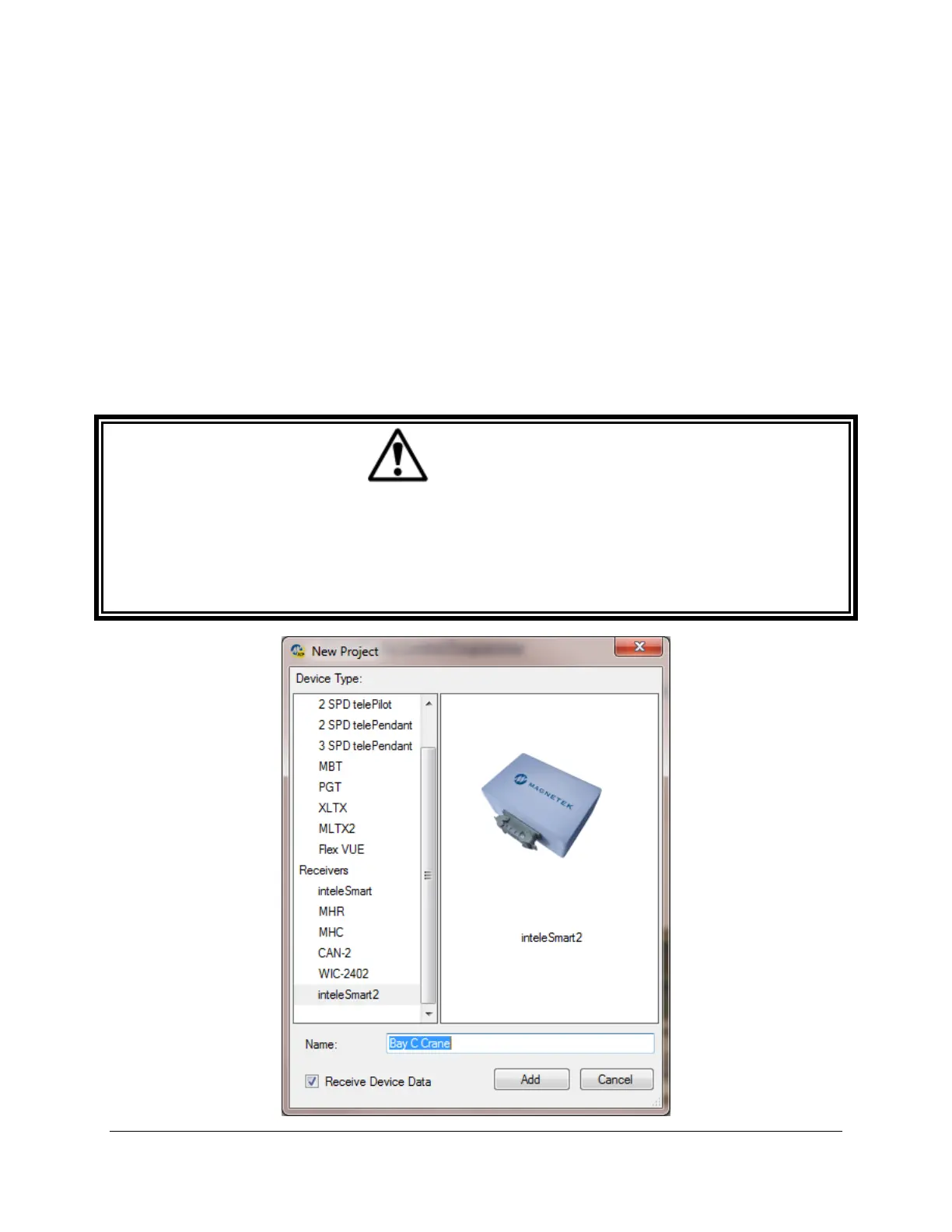
For New Projects, Select Device Type
After the New Projects icon is selected, a menu will open listing the available device types. Select the
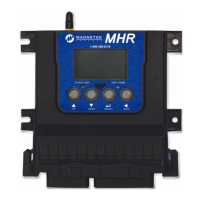
device type that matches the product you wish to program (selecting a project type will display a picture of
the product for verification).
Receive Device Data Checkbox
At the bottom of the New Project window there is a check box named “Receive Device Data” that allows
the user to automatically upload the setting values on the device upon connection.
NOTE: This check box is checked by default.
Having the “Receive Device Data” box checked will cause the program to automatically read the data that
is currently on the device upon clicking the Add button.
WARNING
IF THE “RECEIVE DEVICE DATA” CHECK BOX IS UNCHECKED, THE RCP PROGRAM WILL OVERWRITE ALL
SETTING VALUES ON THE DEVICE WITH DEFAULT VALUES AND ANY SETTINGS CHANGED BY THE
OPERATOR UPON SENDING THE PROGRAM TO THE DEVICE. ALL STORED VALUE SETTINGS WITHIN THE
DEVICE WILL BE REPLACED, INCLUDING ANY PROJECT-SPECIFIC VALUES. MAGNETEK STRONGLY
RECOMMENDS THAT THE “RECEIVE DEVICE DATA” CHECK BOX BE LEFT CHECKED.


 To Next Page