EasyManua.ls Logo

Maico easyTone - Device Information

Maico easyTone
65 pages
Print Icon
To Next Page IconTo Next Page
To Previous Page IconTo Previous Page
Loading...
Operation Manual easyTone
8529689 Rev. 2
50
10/05/2022
5.11.5 Settings – Screeners
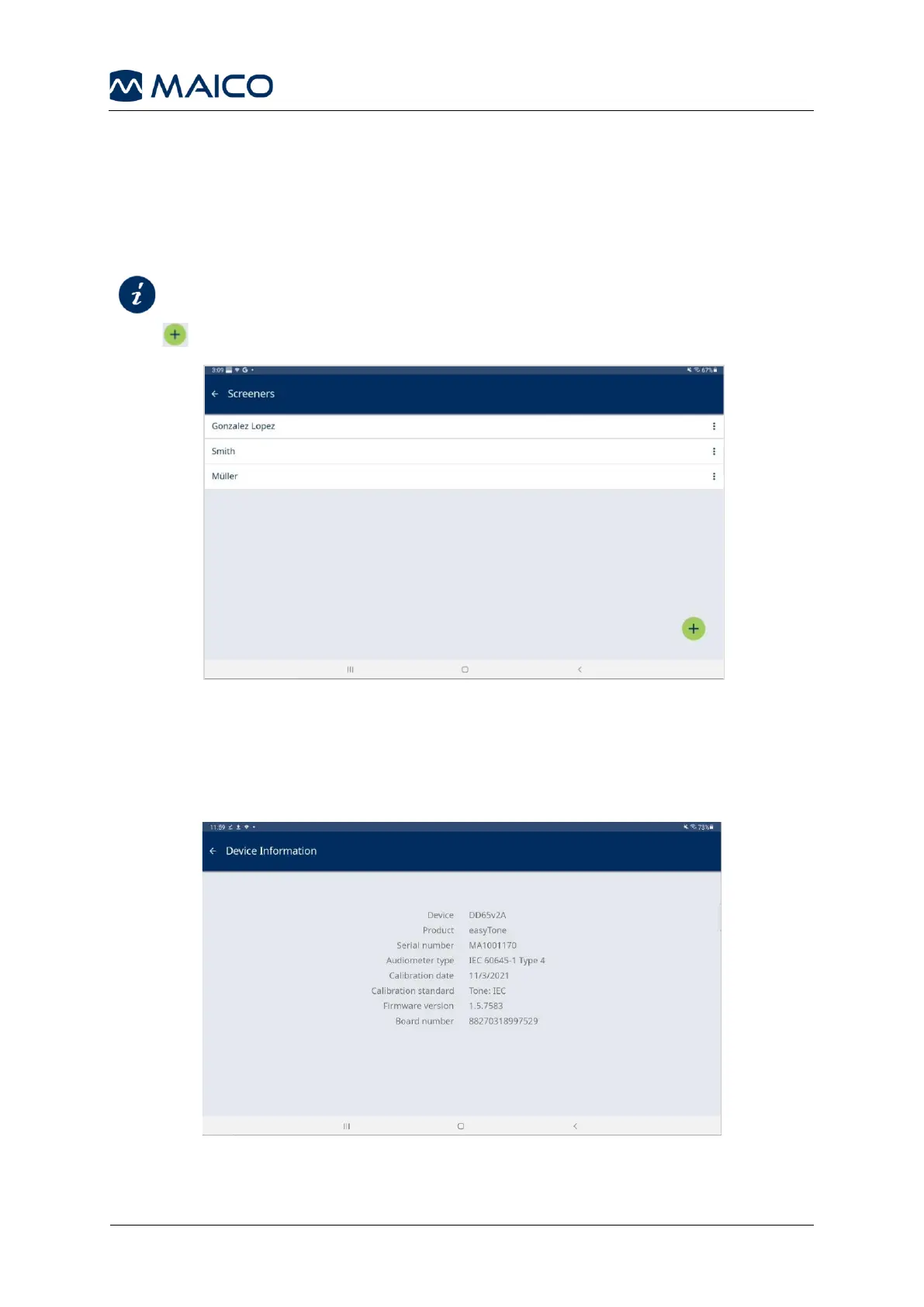
It is possible to create a list of screeners (Figure 66). The name of the screener will be
displayed on the PDF report/printout and in the export files and can be selected from
the start screen. Furthermore, when starting the easyTone App, a toast message
welcomes the screener last selected.

Section 5.6.2
Selecting a Screener
Press to add a new screener. Enter the screener name and press Save.
Figure 66
5.12 Device Information
The Device Information screen shows information on the easyTone audiometer
headphones (Figure 66).
Figure 67

Related product manuals