Operation Manual easyTone
5.15 Calibration Reminder
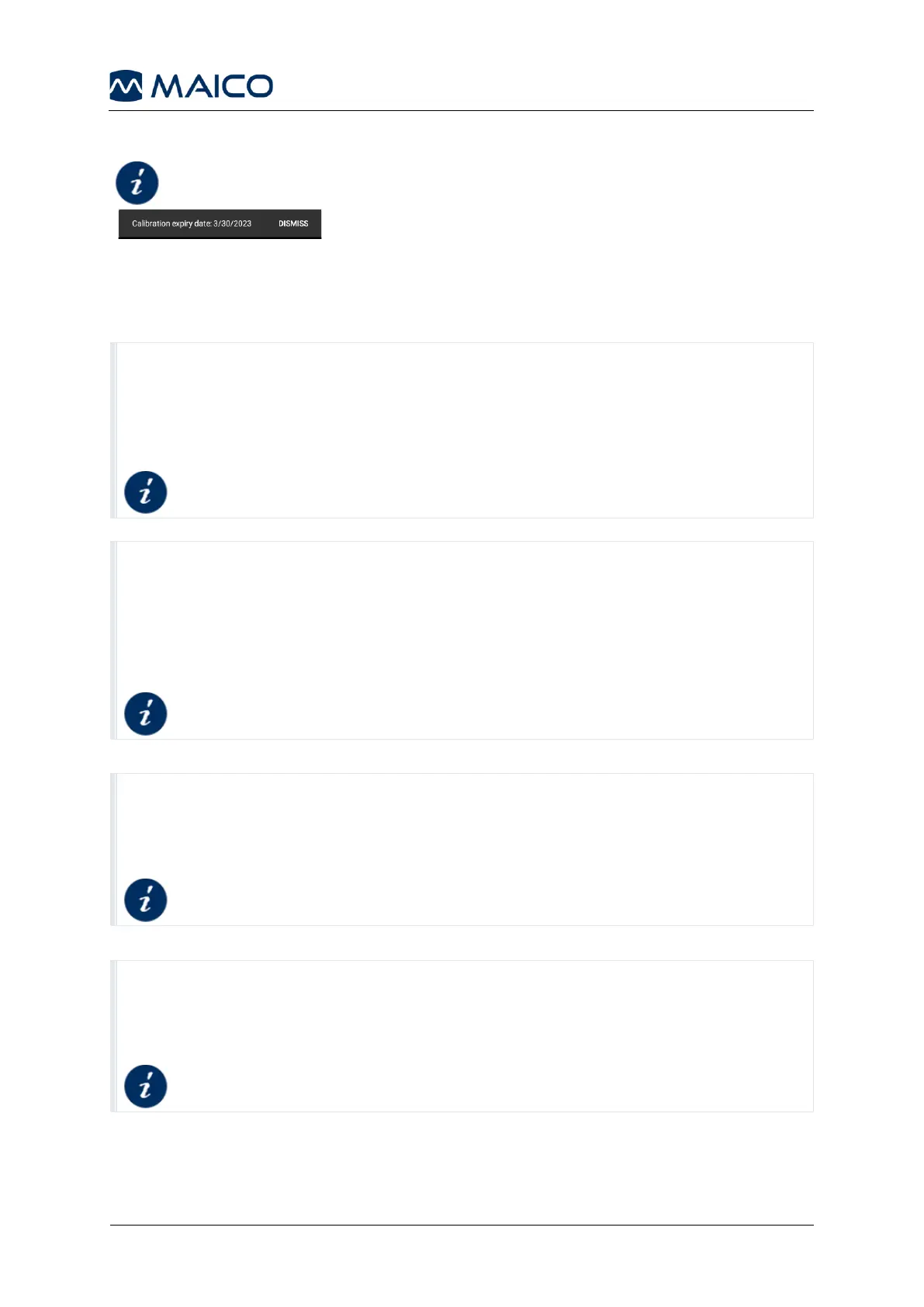
If the device calibration has expired, you will be reminded
of the need to recalibrate when you start the easyTone
App (Figure 74).
Problem: You cannot create a patient in the Screening List in the easyTone App.
Possible reason: When first using the easyTone App, you have not allowed the
easyTone App to access photos and media on your device.
Solution: Allow the easyTone App access to photos and media on your device.
Problem: You cannot upload a Screening List from the easyTone Companion
Software to the easyTone App.
Possible reason: When first using the easyTone App, you have not allowed the
easyTone App to access photos and media on your device.
Solution: Allow the easyTone App access to photos and media on your device.
Problem: You cannot update the easyTone App.
Possible reason: Authorization for installation is not given.
Solution: Allow installation on the tablet.
Updating the easyTone App
Problem: File transfer from tablet to PC/Mac does not work.
Possible reason: File transfer function is not activated.
Solution: Select File Transfer in the USB settings.
Connecting the Tablet to the easyTone Companion
Software (Step 4)


 To Next Page