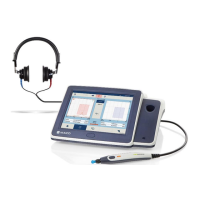
Selection allows two microphone changes when
accessories are connected.
1. Talk Forward: Allows tester to provide instruction to
the patient while the headphones are in place.
Increase/decrease the volume by selecting the +/-
(Figure 87). The lighted bar/VU meter allows the
examiner to monitor their voice for optimal sound
quality. When speaking, 0 is the optimal level.
2. Talk Back: Allows the tester to hear the patient
through the monitor headphone via an optional talk
back microphone. The talk back microphone must
first be Enabled (Figure 87) prior to setting the
volume. The volume dial on the mic/monitor headset
must also be controlled for optimal volume.
Figure 87


 To Next Page
 Loading...