32
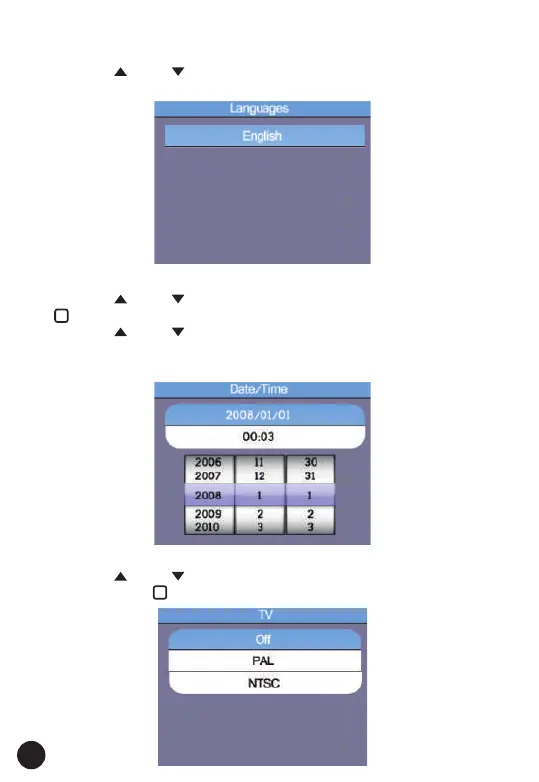
6.1. Languages
• Press the " " and " " Button to select the Language.
• Then ESC Button to esc and save the select the Language.
6.2. Date/Time
• Press the " " and " " Button to select the date or time, then press the
" " Button to enter.
• Press the " " and " " Button to adjust the value, press the "◄" and
"►" Button to select the Items.
• Press the ESC Button to esc and save.
6.3. TV
• Press the " " and " " Button to select the output time.
• Then press the " " Button to enter.



 To Next Page