37
8.2. Data Record Preview
• Press the " " and " " Button to select the items.
• Press the "◄" and "►" Button to set.
• Then press the " " Button to enter.
• Press the ESC Button to esc data record preview.
F1 Button: None
F2 Button: None
F3 Button: None
F4 Button: None
Up Button: Turned up view log data
Down Button: Turned down view log
data
Left Button
Right Button
Enter Button: Menu
8.3. Menu
8.3.1. Data Record
8.3.2. Datalog
• Press the " " and " " Button to select the items.
• Then press the " " Button to enter.
F1 Button: None
F2 Button: None
F3 Button: None
F4 Button: None
Up Button: Select up
Down Button: Select down
Left Button: None
Right Button: None
Enter Button: Confirm the user select
mode
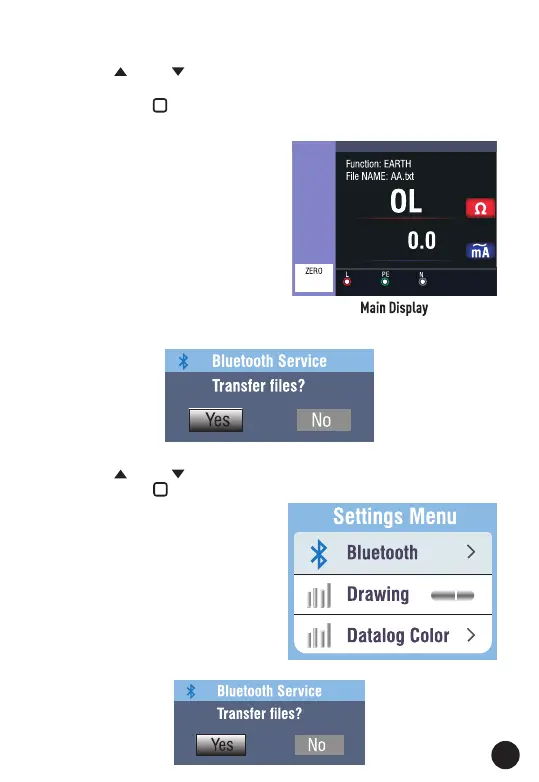
8.3.3. Bluetooth



 To Next Page