33
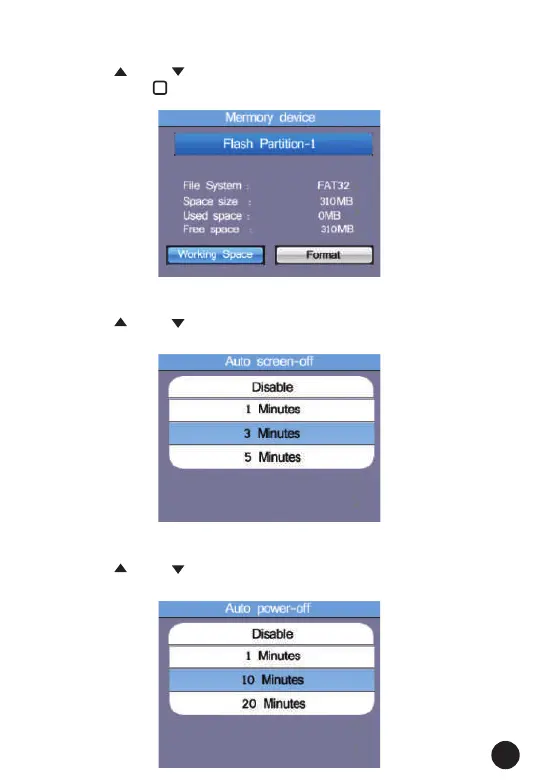
6.4. Memory
• Press the " " and " " Button to select the Working Space or Format.
• Then press the " " Button to enter, press the ESC Button to esc and
save.
6.5. Auto Screen Off
• Default 3 Minutes.
• Press the " " and " " Button to select the Working Space or Format.
• Press ESC Button to esc and save the select the time.
6.6. Auto Power Off
• Default 10 Minutes.
• Press the " " and " " Button to select the Auto power-off time.
• Press ESC Button to esc and save the select the time.



 To Next Page